
The Arbutus: A music studio in your backpack.

A portable keyboard, synthesizer, sampler & eight-track recorder. Make a song from start to finish, wherever you are. Easy to learn, repairable, open source, transparently priced.

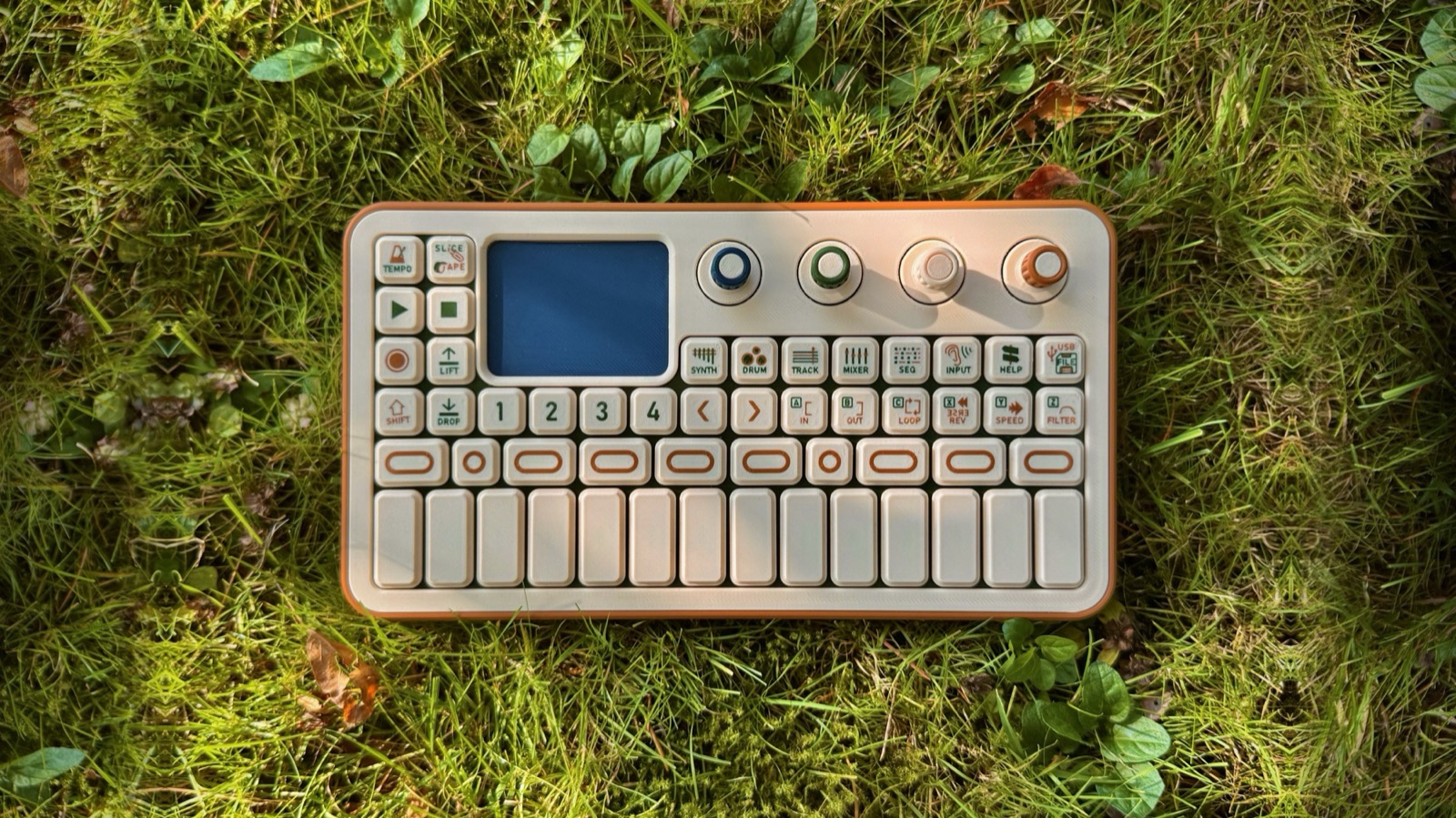
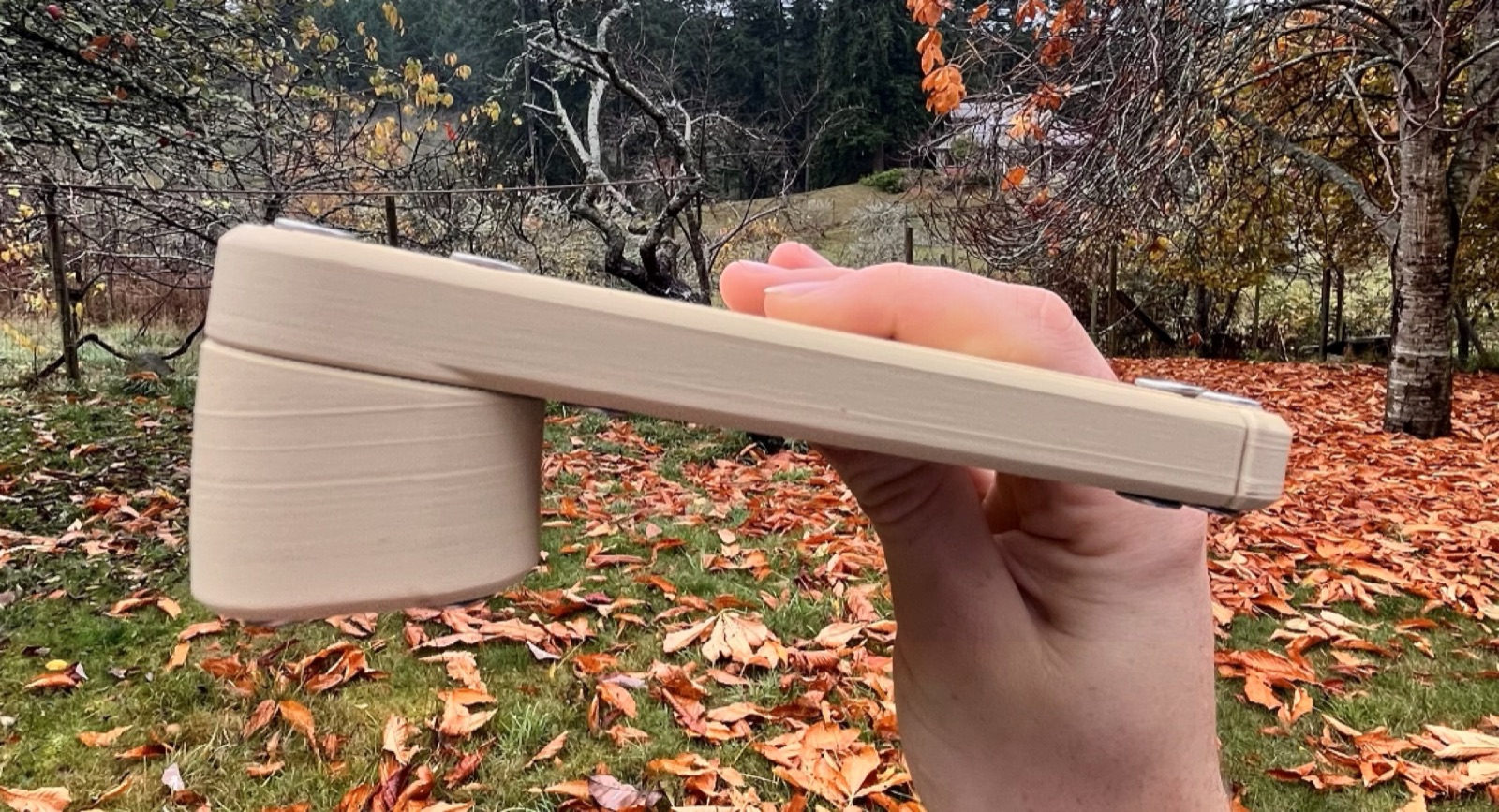
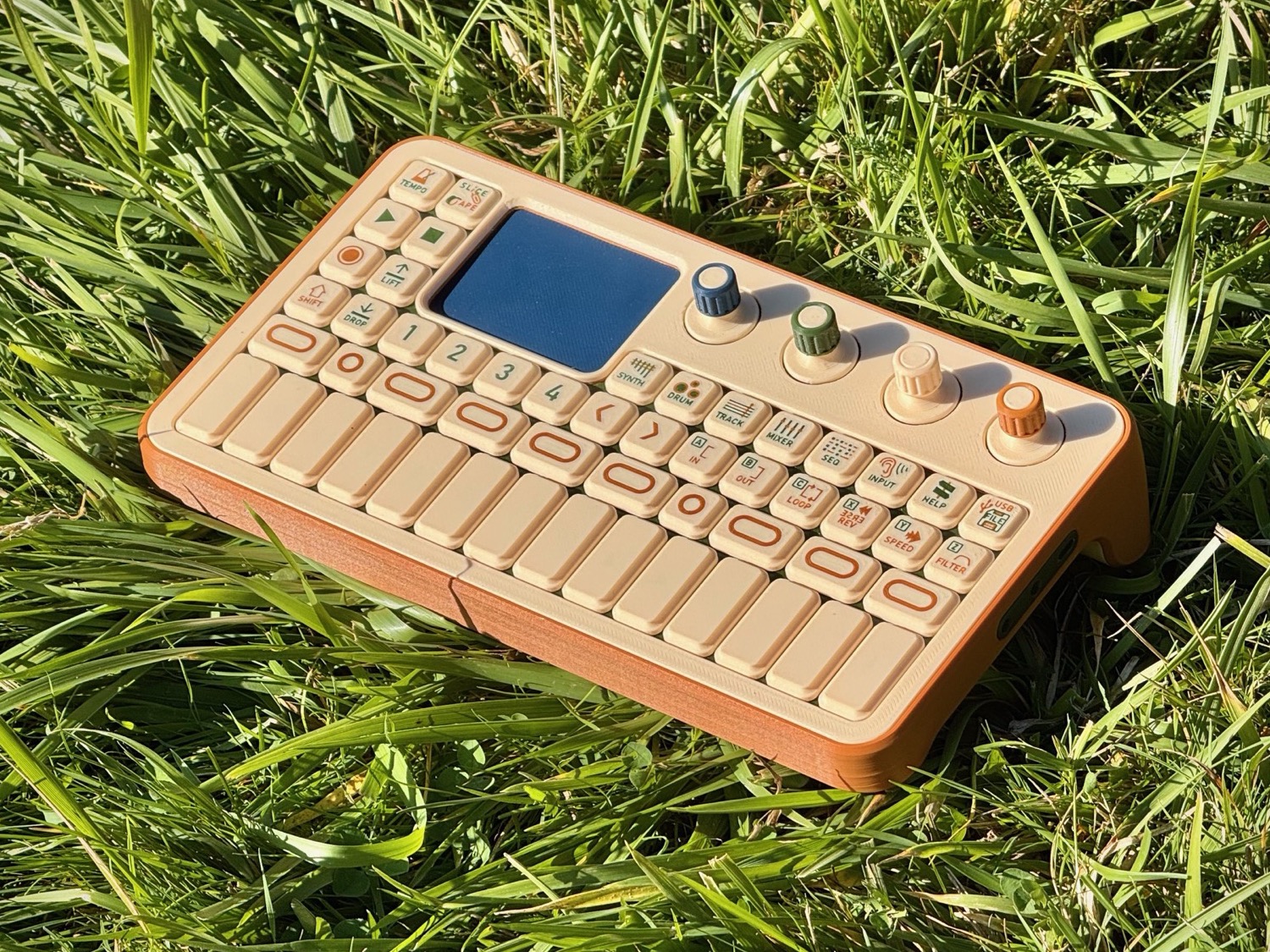
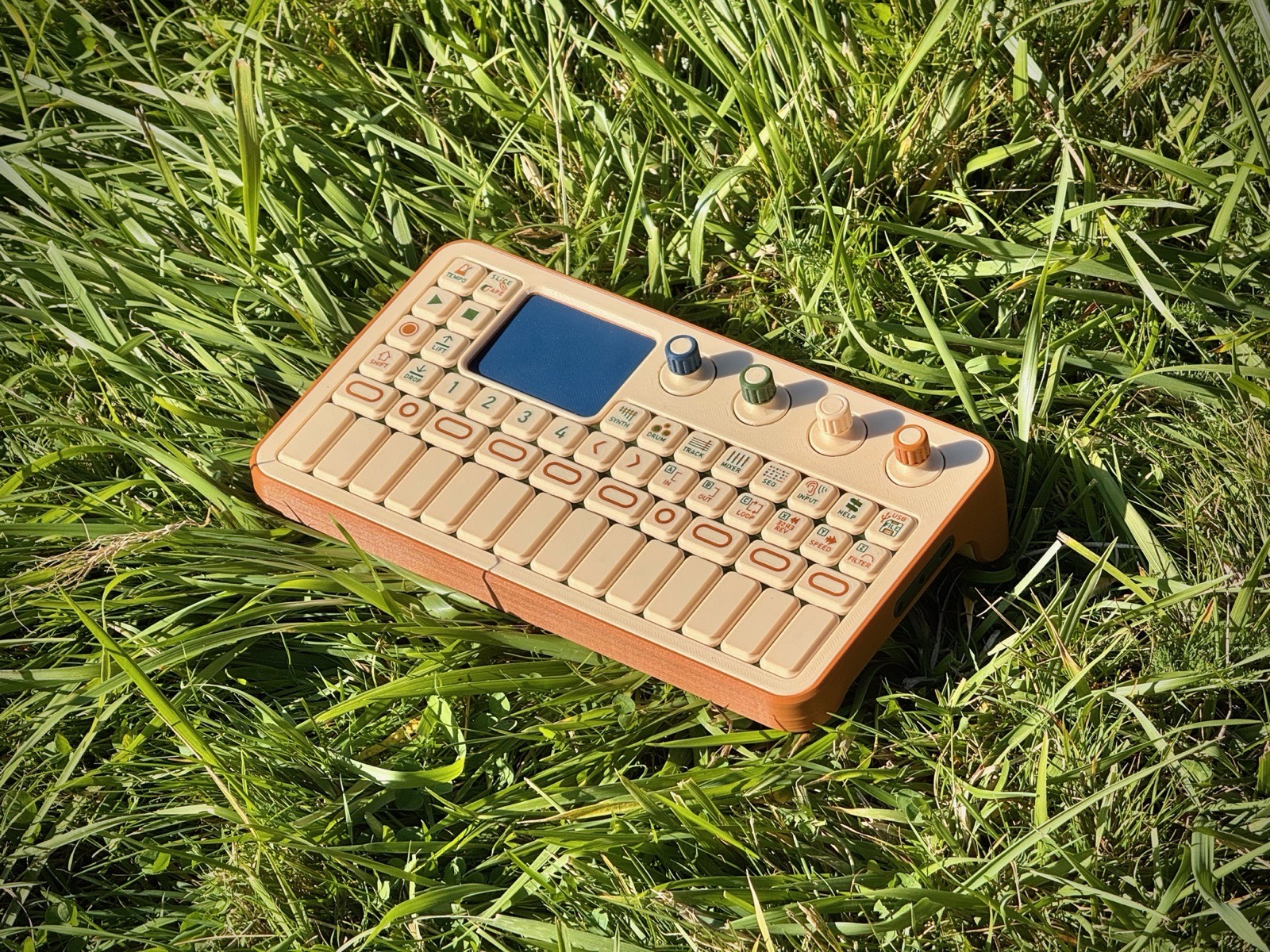
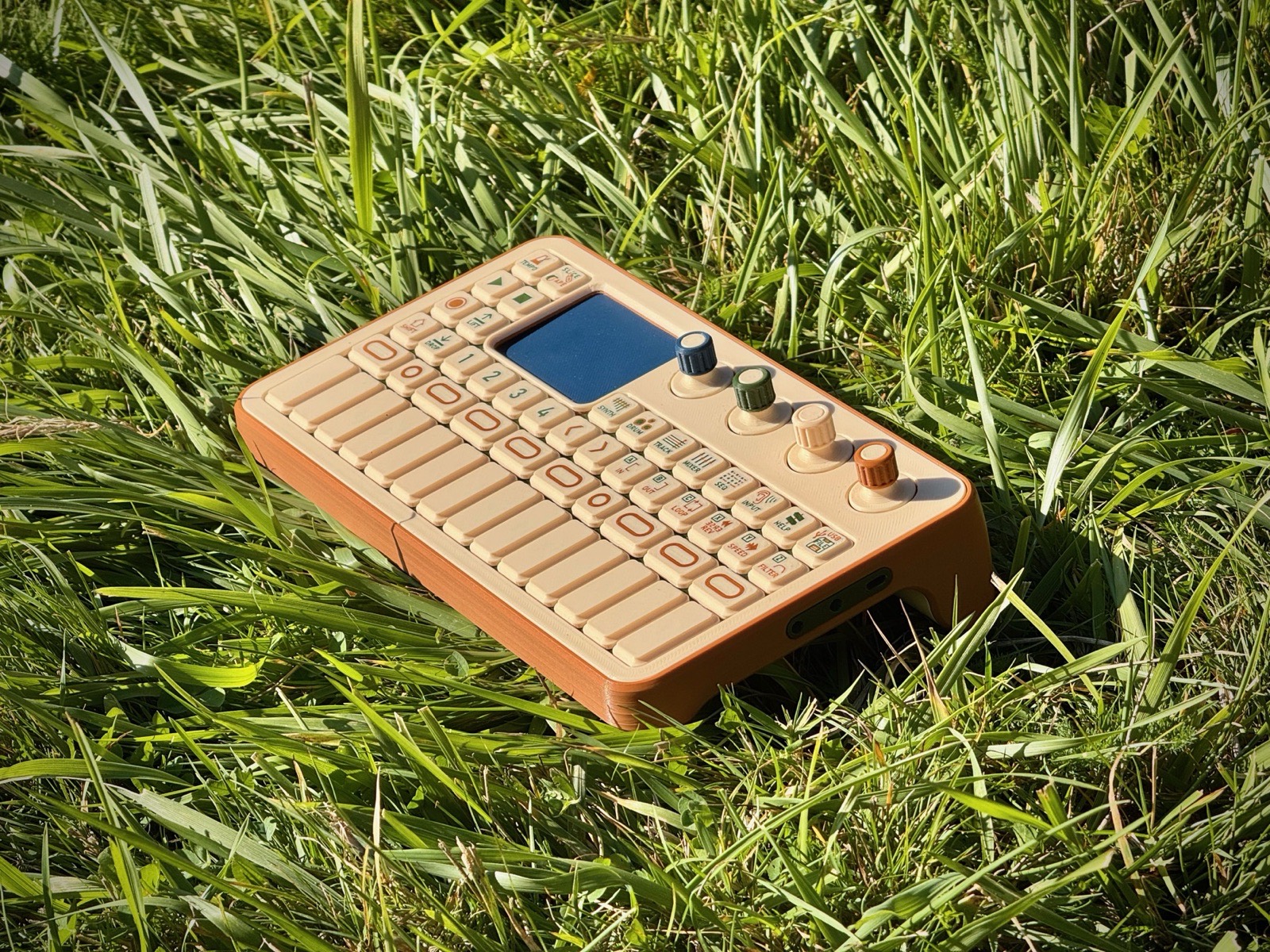
The Arbutus look-alike model lying in grass: a beige keyboard with an orange-brown base and four coloured knobs
Look-alike model, September 2026. 3D Printed PETG, no electronics inside yet.

At a glance:

  • Easy to learn

    Powerful tools don't have to feel intimidating. The functions are labelled on the keys, the software tells you what it's doing, and holding HELP explains what you touch: no tutorial required. The learning ramp is built in: press a key and it makes sound, turn a knob and hear it change, hold shift and find the next layer. Easy to start, impossible to outgrow.

  • Easy to repair

    Designed to be taken apart easily, built with bolts rather than glue or flimsy clips. Repair guides intuitive enough for someone who's never opened a piece of electronics, and spare parts priced fairly, so it's worth fixing. Schematics and print files will be made available. Nothing you own should be glued shut or locked down by software.

  • Upgradeable, open-source

    Synth engines, effects and sequencers are plugins anyone can create and share, and everyone can use. Open hardware and software: If you want to improve the design or add new functionality, the files are yours and the IO is modular. The best community contributions get folded back into the base product; I can't build every idea, and I trust the maker community to run with it.

  • Transparently priced

    The goal is to make serious music-making tools ubiquitous, with a target under $500 CAD. Engineered resourcefully with a 3D printed enclosure & keycaps (see above) and a cheap Raspberry Pi Zero compute module, shipped direct. Every cost that goes into the price will be published here, including parts, assembly and margin. The price will move with the cost as I build more.

Elvin Shoolbraid
Cortes Island, September 2026.

Hi, I'm Elvin:

I'm a 21 year old from Salt Spring Island, in third year of mechanical engineering at the University of Victoria. I love playing and making music. When I was 14 I bought a used OP-1 with my own savings, and it showed me you could produce music without a music studio: a keyboard, a synth, a sampler and a tape recorder in a box I could carry anywhere. But almost nobody I know who makes music could have afforded one, and it's a delicate piece of equipment to shove in a bag or risk bringing to the beach. And, when I wanted a different sound effect than the default built-in ones, I was out of luck.

Arbutus is the thing I wish had existed when I was 14. If you've used an OP-1 before, you'll know the general format. Everything inside is different: the repairable, affordable design, the intuitive text labels on the keys and display, and the open source files and software. If you don't like the reverb, change it. If the battery is tired in five years, replace it.

Why I'm building it:

Creating things is what makes us human, and it has never been easier to spend a whole life consuming instead. I want to encourage this to change, and music is the way I know how. Everyone is a music maker, but some just don't believe it yet: they think the tools are too expensive, too complex to understand, or too fragile to be reliable. This can change.

I also want to change consumer electronics; Instead of striving for maximum value extraction through planned obsolescence and locking down control, I want to build collaboratively, on trust; Give people the code, schematics, and a way to contribute, and see what the community can create together.

This is why the software is fully open source: arbutusOS and the built-in engines under the GPL 3.0+, the kit for writing an engine under MIT. The schematics and print files will be open too (CERN-OHL-S), so custom IO-modules are encouraged; The circuit board layouts stay closed for now to delay AliExpress clones. The code is public, including the software emulator that works with MIDI keyboards, so you can play it and give feedback.

What it lets you do:

Make a complete piece of music, start to finish, wherever you are; Play some lush piano chords on the keyboard, Sequence a drum beat, record a bass-line over it, sing into the built-in microphone, add sound effects, layer it and arrange a composition on eight stereo tracks, and share it on your phone. By the campfire, on the bus, at the kitchen table, anywhere. But it doesn't throw everything at you at once: in the first minute you play the keyboard and make some fun sounds, and each layer shows itself when you're ready. Nothing to be overwhelmed by at the start, and nothing to be limited by later.

Where it stands:

One working circuit board, a look-alike model, and a playable emulator of the operating system. The next board is being designed now, in the gaps around a full course load. I'm one person, with encouraging mentors and AI coding tools. Preorders aren't open yet. When they are, they'll be fully refundable and the cost stack will be shown beside the price.

Want to build it with me?

Tell me what you want to work on. Reach out if you're experienced in supply chain and manufacturing, e-commerce logistics, embedded linux and UI/UX, or you want to do early testing or give feedback.

elvin@arbutus.audio

Milestone updates

A few emails a year, only when something cool happens: a new prototype, milestone, or preorders open.

Development log

Newest first. Click any photo to enlarge it.

ArbutusOS, running on a laptop
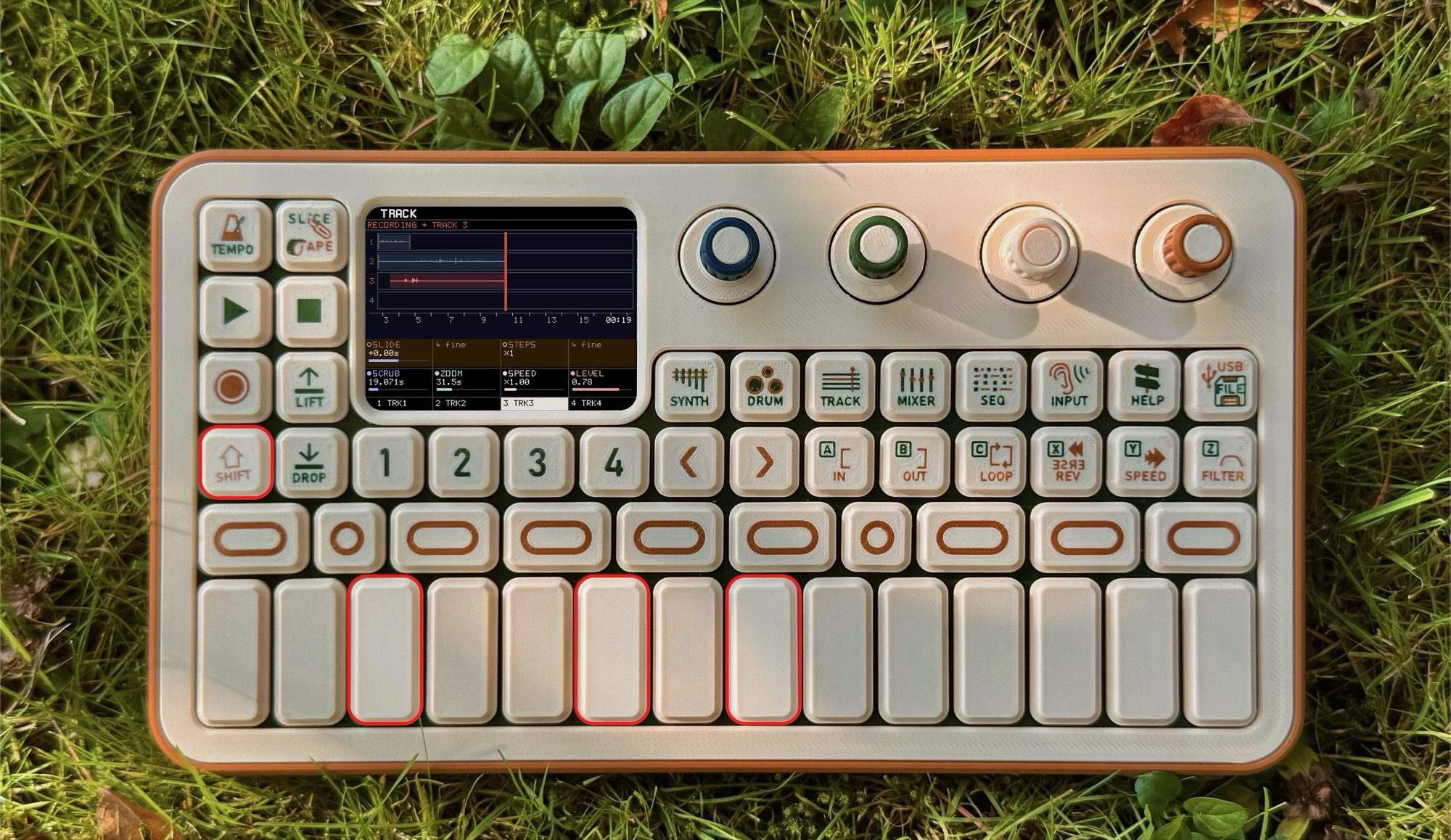
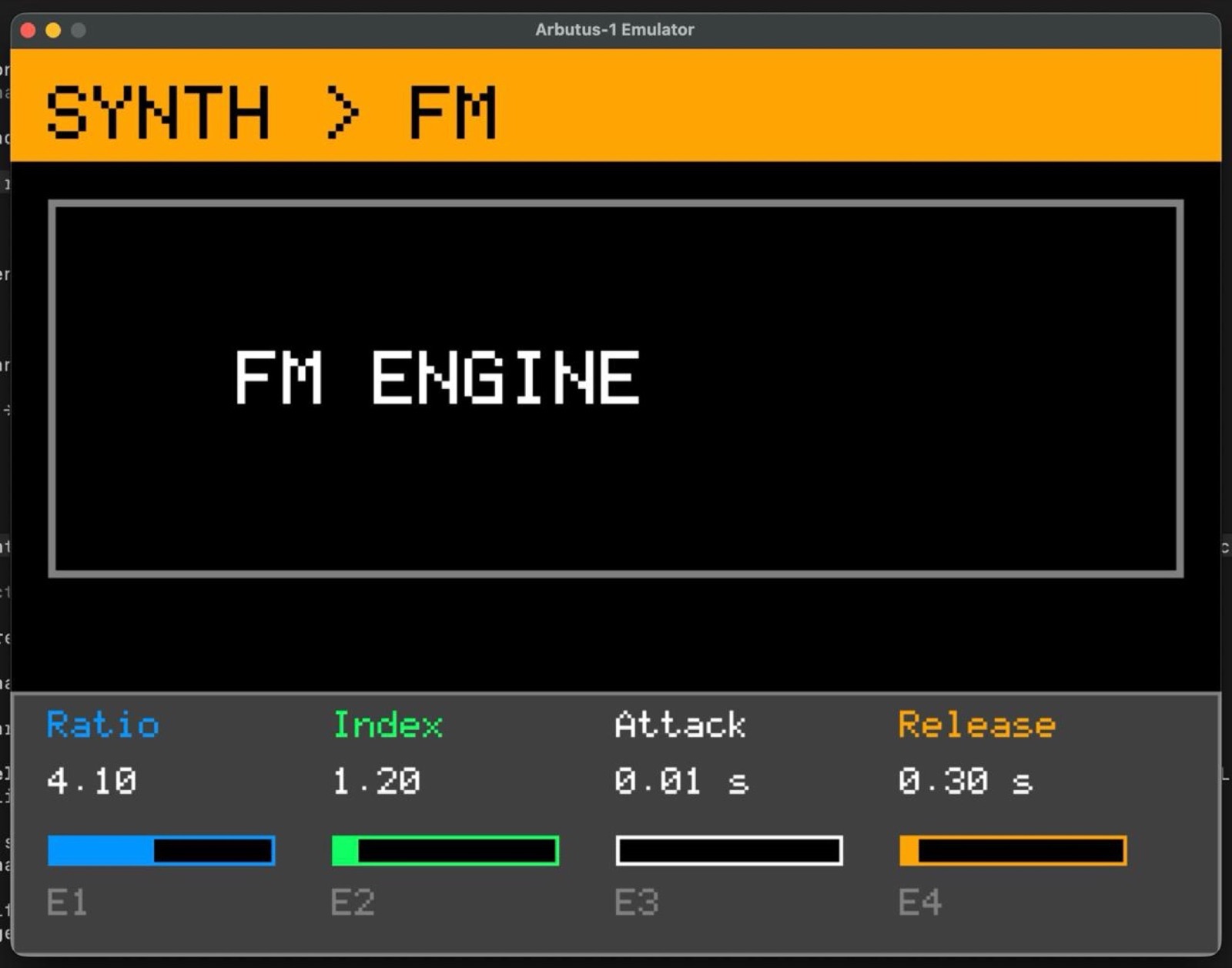
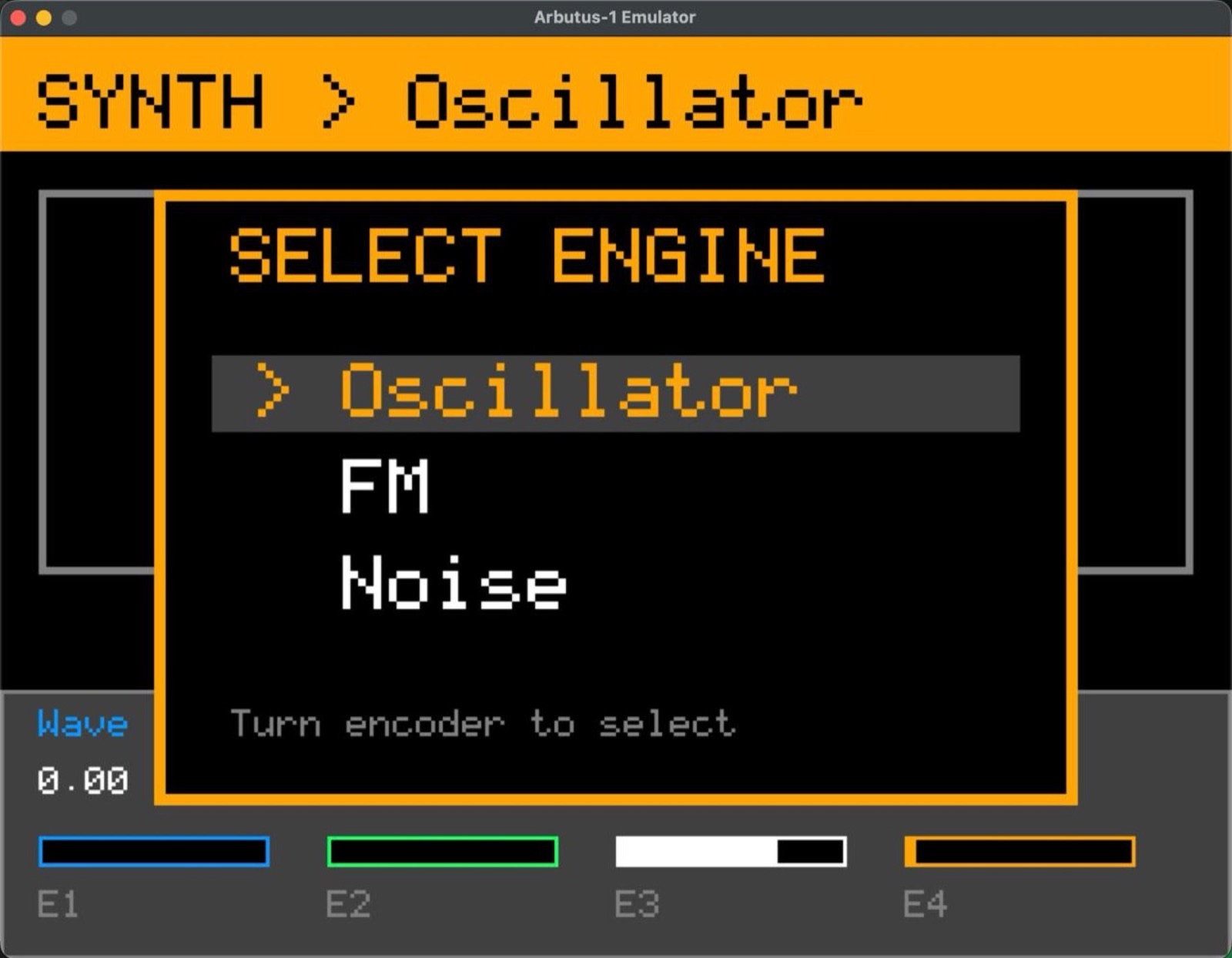
The next circuit board will take weeks to design, order and bring up, and I wanted something people could play at Hollyhock this week. So the software went first. This is ArbutusOS running on my MacBook, drawn inside the photo of the look-alike model. The keys and knobs in the photo respond to the mouse, and a USB MIDI keyboard plays the synth.

What's in it: a SYNTH page with several engines, a DRUM kit, a four-track TRACK page with tape-style recording, lift and drop, slicing and looping, a MIXER, a step sequencer, TEMPO with tap and click, live microphone sampling on INPUT, a HELP key that explains whatever you're holding, and FILE for saving projects. The audio engine is a native library the real device will run too, so this is not a mock-up of the software. It is the software, with around 280 automated tests and a screenshot harness that checks each page against a reference image.

The method was new for me. I had Claude interview me, starting from the repository and the design documents, until every open question about the software had an answer, and that became the spec. Claude Opus then built the emulator over about ten days of sessions. What one person can build in a month has changed a lot in a year.
The look-alike

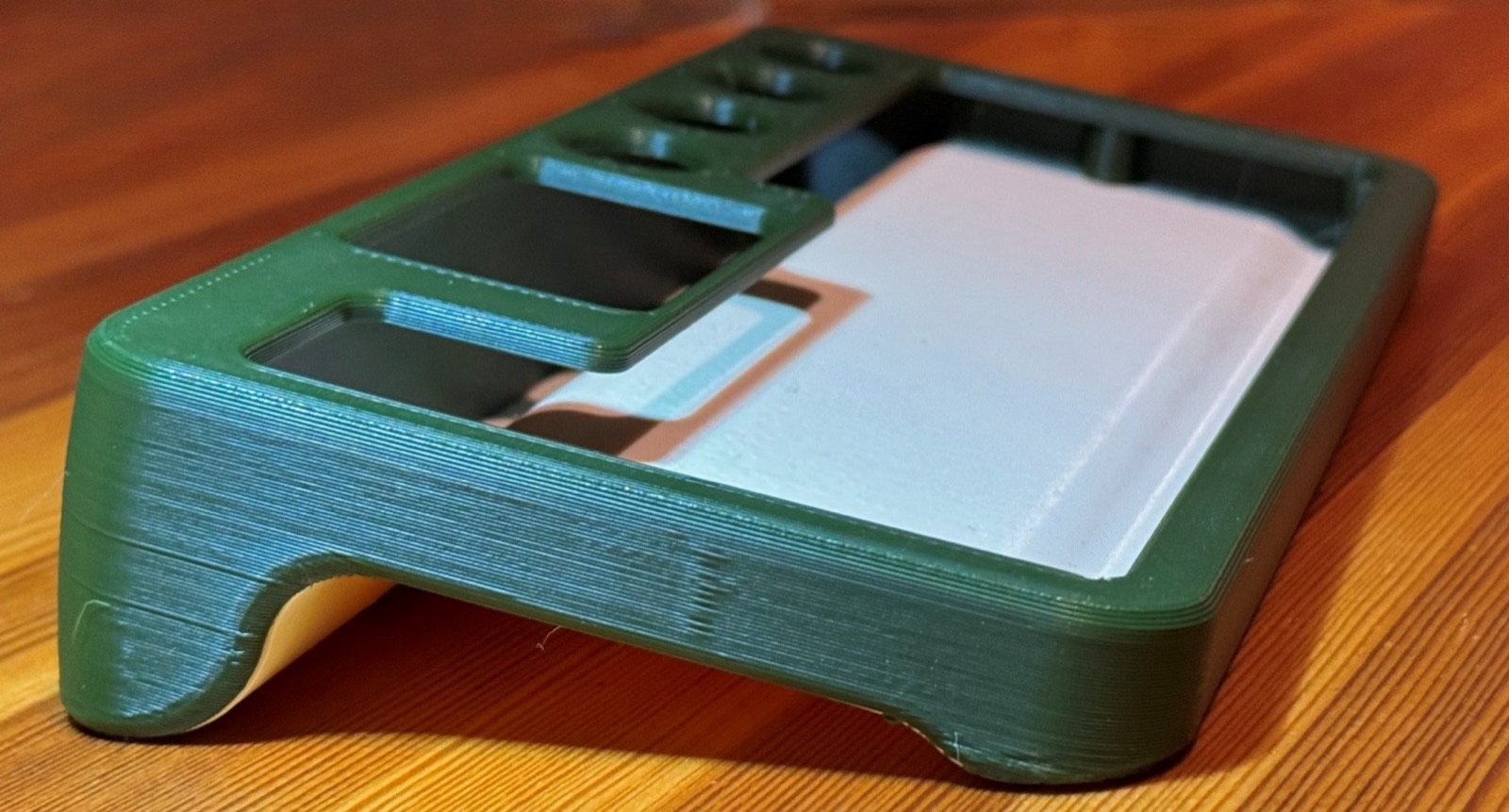
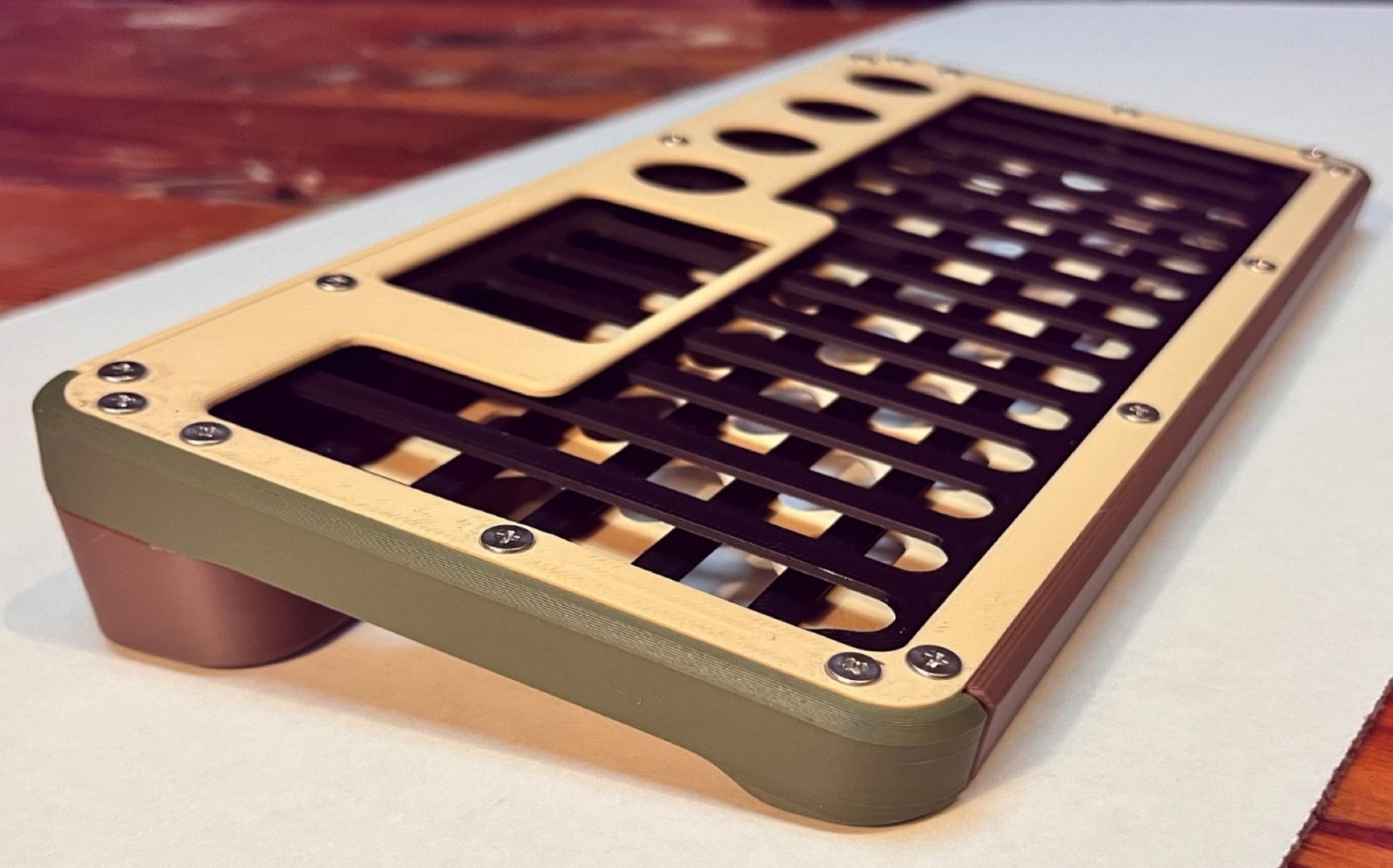
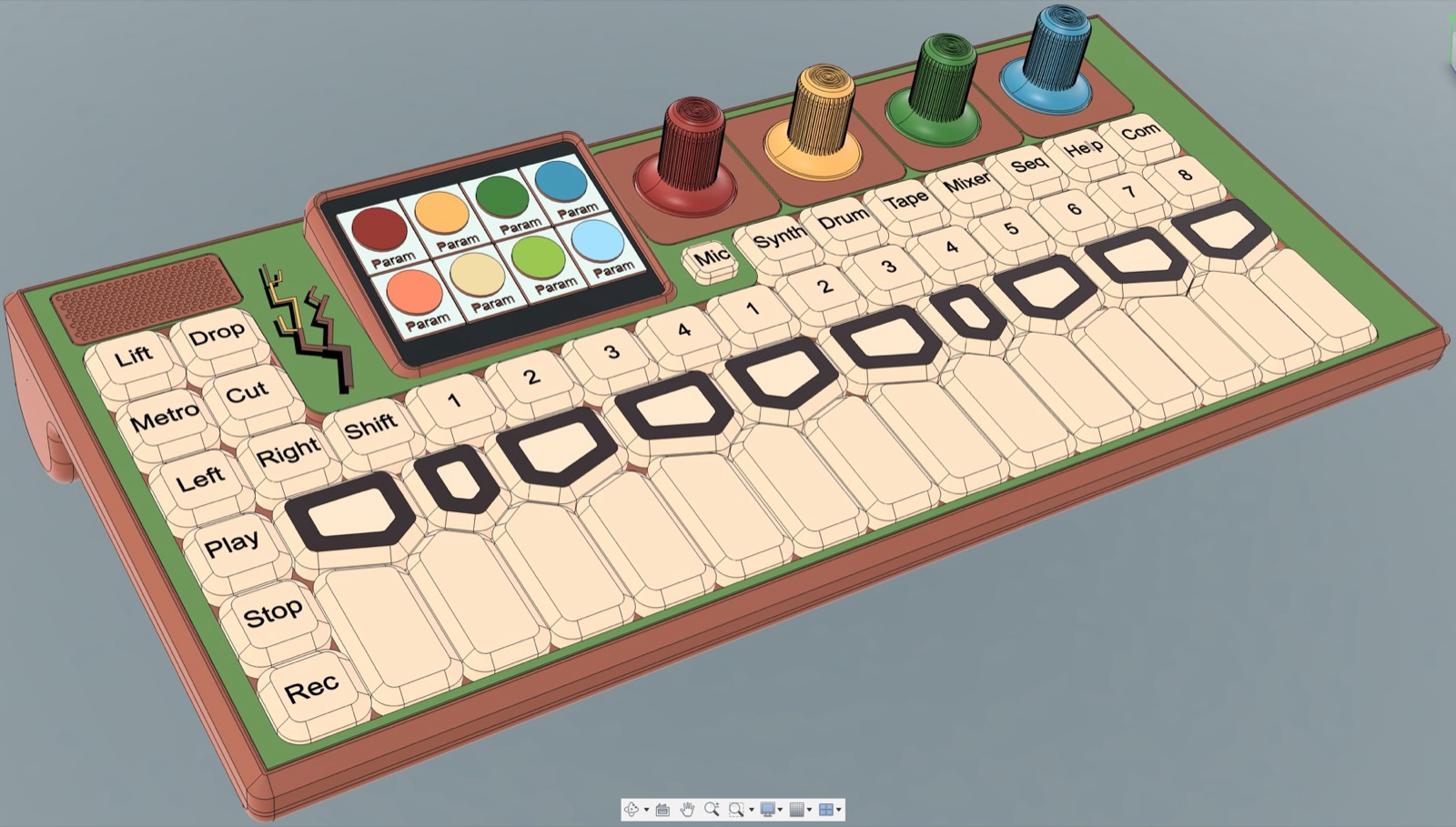
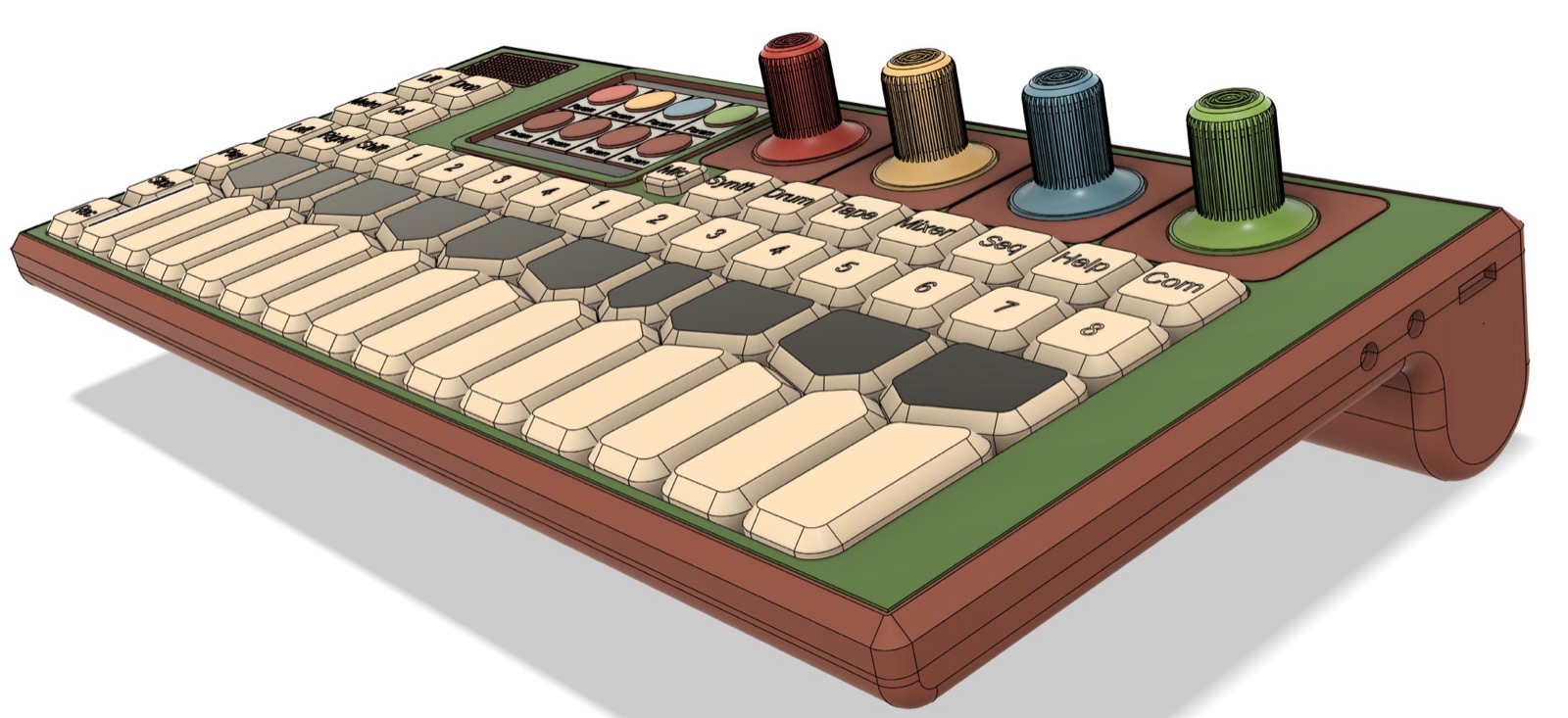
Before the emulator, half a week on a model that looks like the product and does nothing. Three colours of Bambu Lab PETG that read as arbutus: bark, wood and leaf. Fifty-two keys on a uniform 16 mm grid, four encoders, and a screen cutout at the real display size.

The keycaps are printed in the same filaments as the chassis with a 0.2 mm nozzle, with the label printed into the cap as a second colour. That was the real experiment. It worked far better than any other way I have found to label keys, which means pilot production can use printed caps, and probably the long run too. Still untested: the interlock between switch and keycap.
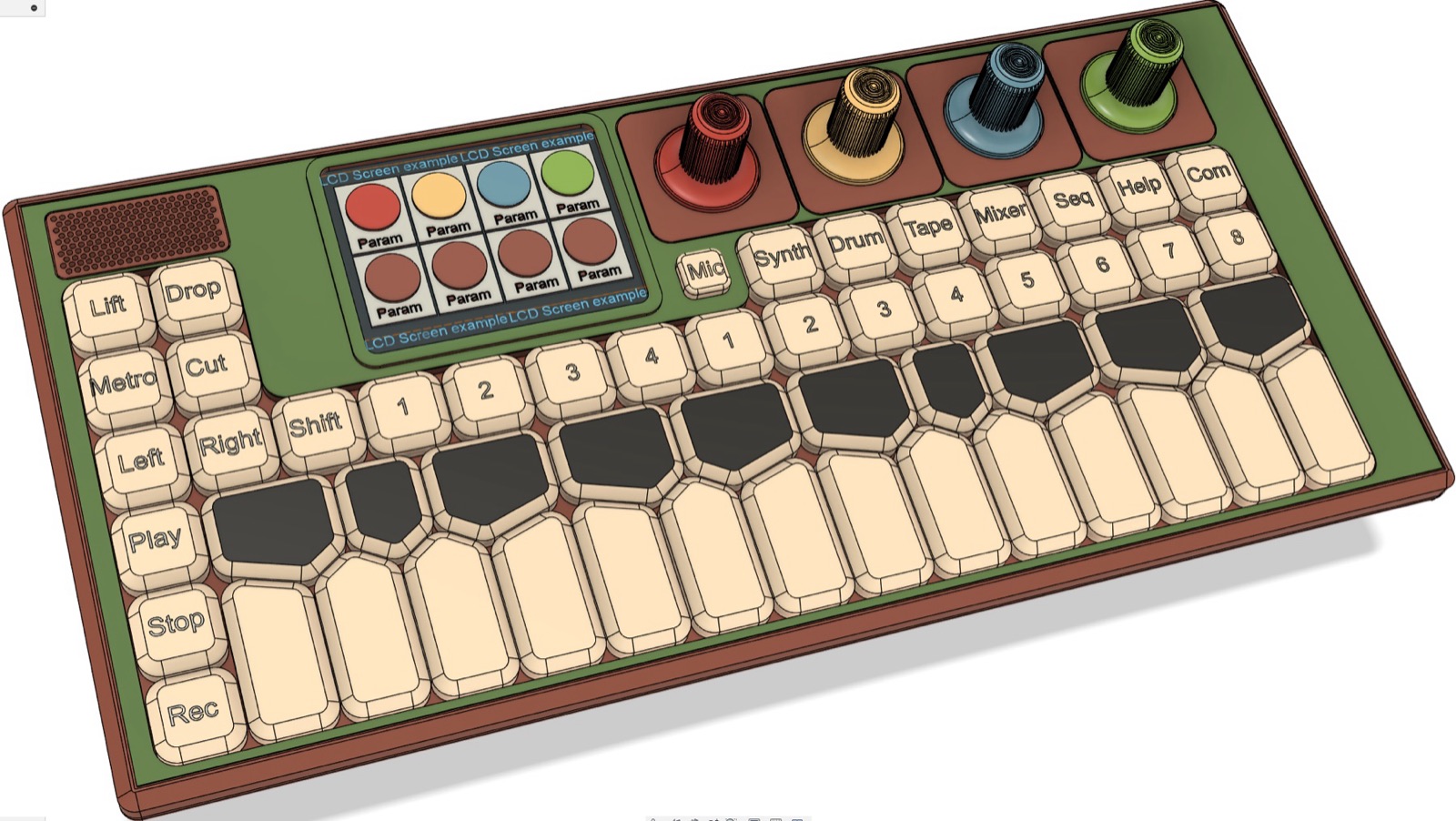
What it settled: I like the layout and the count of controls enough to commit to them. The next board can use these key positions as its footprint, and the chassis only needs to change in depth once the real component heights are known. It also brought back a good deal of confidence after a stalled summer.

One question per prototype

Over the summer the project stalled. The second circuit board had grown into an attempt to answer everything at once: final component selection, a redone schematic, a split into several boards with untested ribbon connectors, a chassis designed around components I had never held, and a key layout for a user interface I had never used. Those variables all depend on each other, so no single build could converge on all of them, and there was not enough room in my head to solve them together. For a while I read that as a character problem. It was a scoping problem.

Paul, my mentor, worked on Tickle Me Elmo at Mattel and pointed out that it went through nine prototypes. So I wrote out a ladder where each build answers exactly one question and freezes everything else as an assumption of record.

  1. P0Loose dev boards on a bench. Can these parts talk at all?Done
  2. P1One big validation board. Does the whole signal chain run?Done
  3. P2Look-alike shell plus laptop emulator, as separate objects. Does the product read as desirable, and does the interface land in someone else's hands?Done
  4. P3A second monolithic board with all the new parts. Is the key layout right, and do the new components work?Next
  5. P4Printed shell with dummy boards at true thickness. Does the stack physically assemble?After P3
  6. P5The split-board build in a real chassis. Does the integrated product work as one unit?Parked
  7. P6+Engineering, design and production validation builds, the standard gates before manufacturing.Later

P3 is deliberately one board again, a mule. It carries the new parts: a three-cell battery management circuit with 21700 clips, a thinner Kailh key switch that takes about 6 mm off the device, MEMS microphones, a motion sensor, and ribbon connectors placed only so they can be tested. It also gets a 40-pin header so a Raspberry Pi Zero 2 or Pi 3 can be tried in place of the Compute Module 4. Early emulator measurements suggest the smaller computer may be enough, which could take about $100 off the bill of materials.

The lesson I am trying to keep: when work stalls, ask what this prototype is actually trying to answer before asking whether to push harder.

Splitting the board

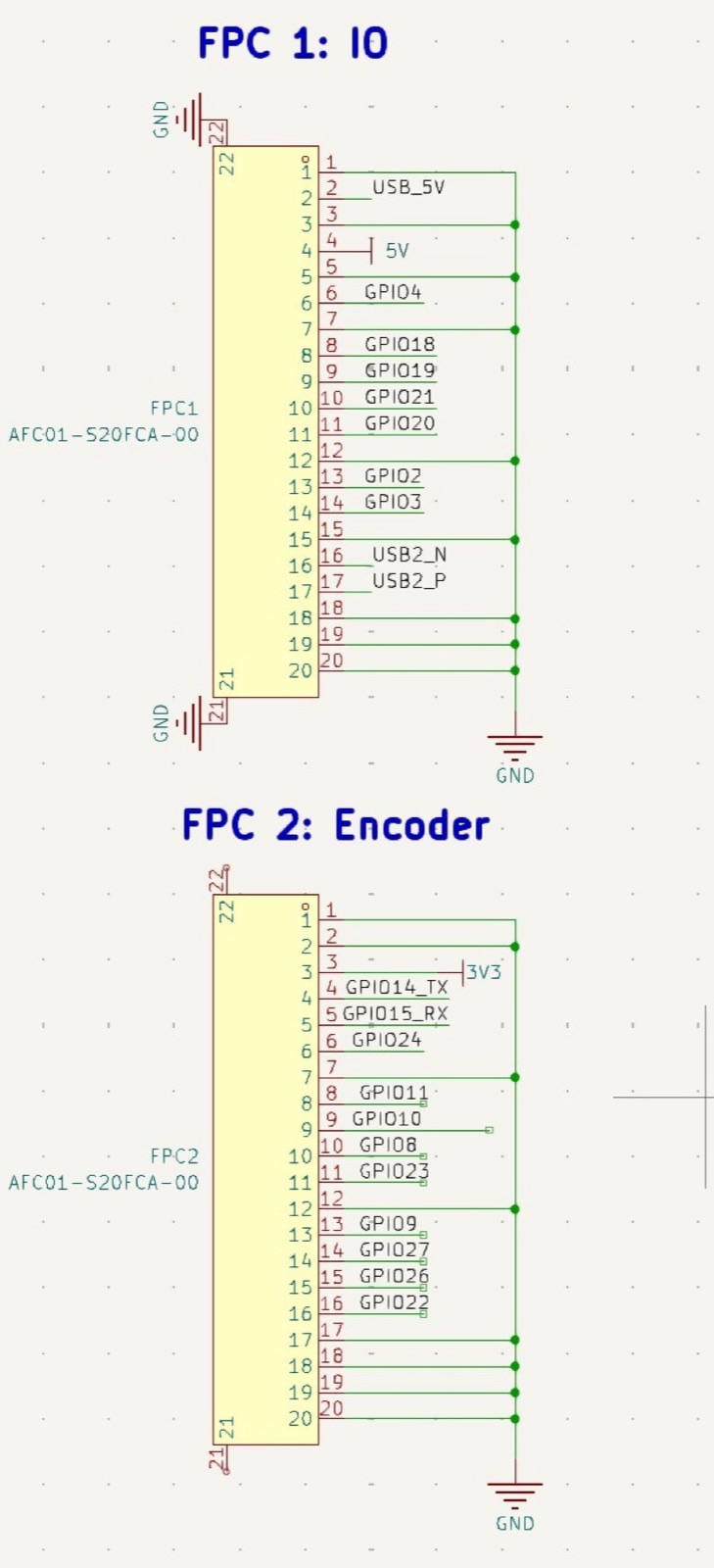
With the first board proven, I started revision two as separate boards: compute, input and output, encoder, keyboard and battery, joined by 20-pin ribbon cables, each its own KiCad project so JLCPCB can build them separately. I found a 21700 battery clip that their assembly line can place by machine, and decided to design the battery management circuit onto that board rather than bolting a bought module in.

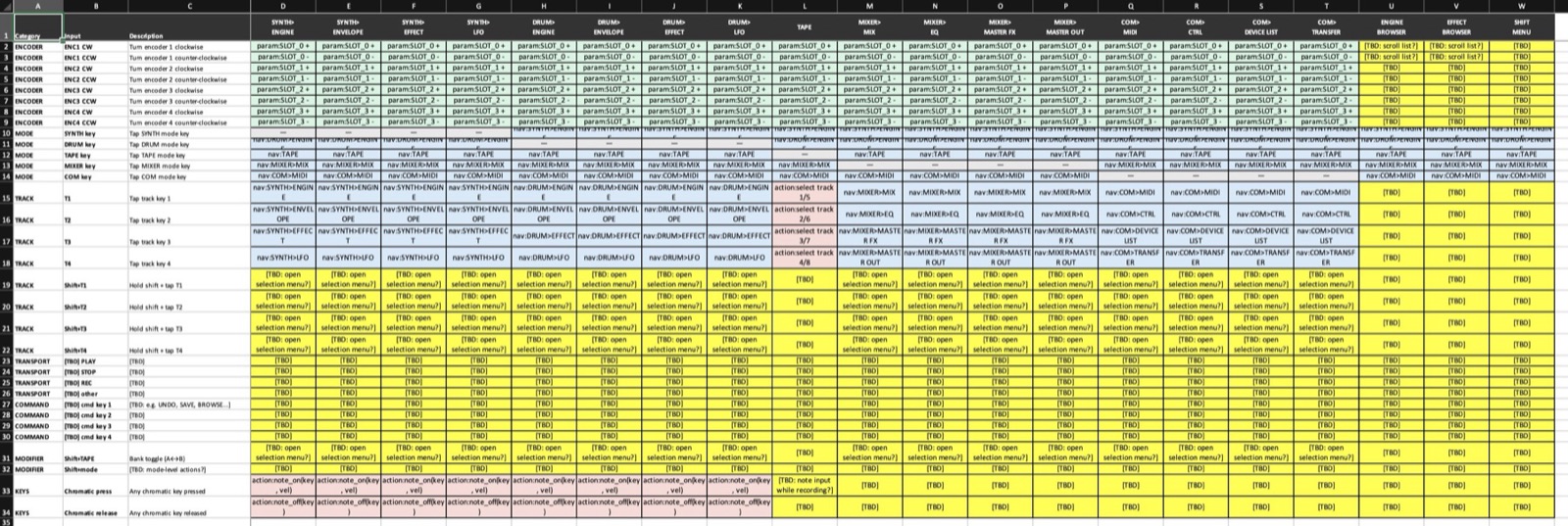
I also started an interaction matrix, a spreadsheet of what every key does on every page, because software cannot be built from a vague description, by me or by anyone I hand it to. By late April the compute board schematic was done, the input and battery boards were drafted, and there was a set of mechanical design documents covering fasteners, keycap construction, a print cost model and chassis geometry.

Then the summer happened. The post above this one is what came out of it.

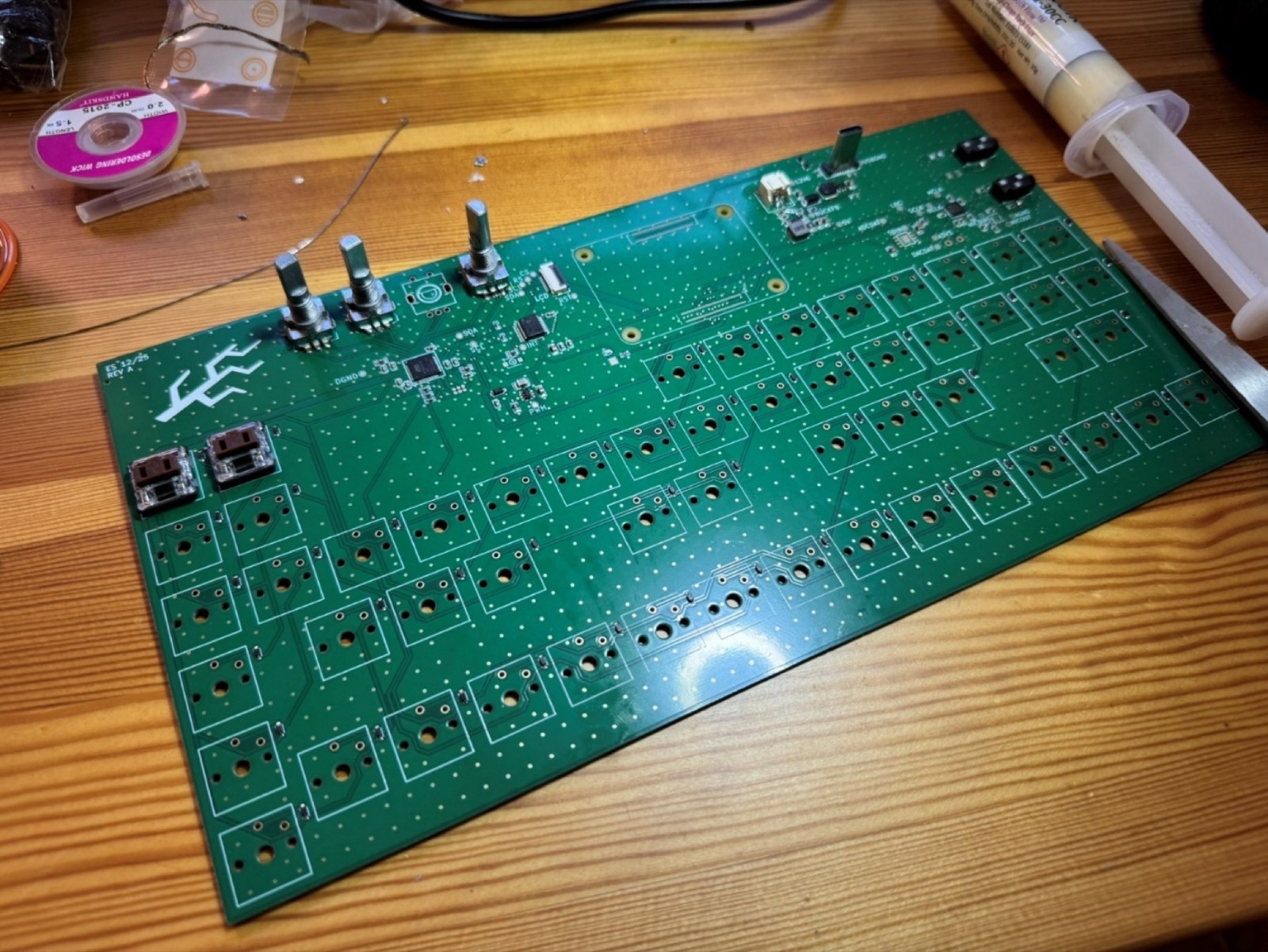
Everything on the board works

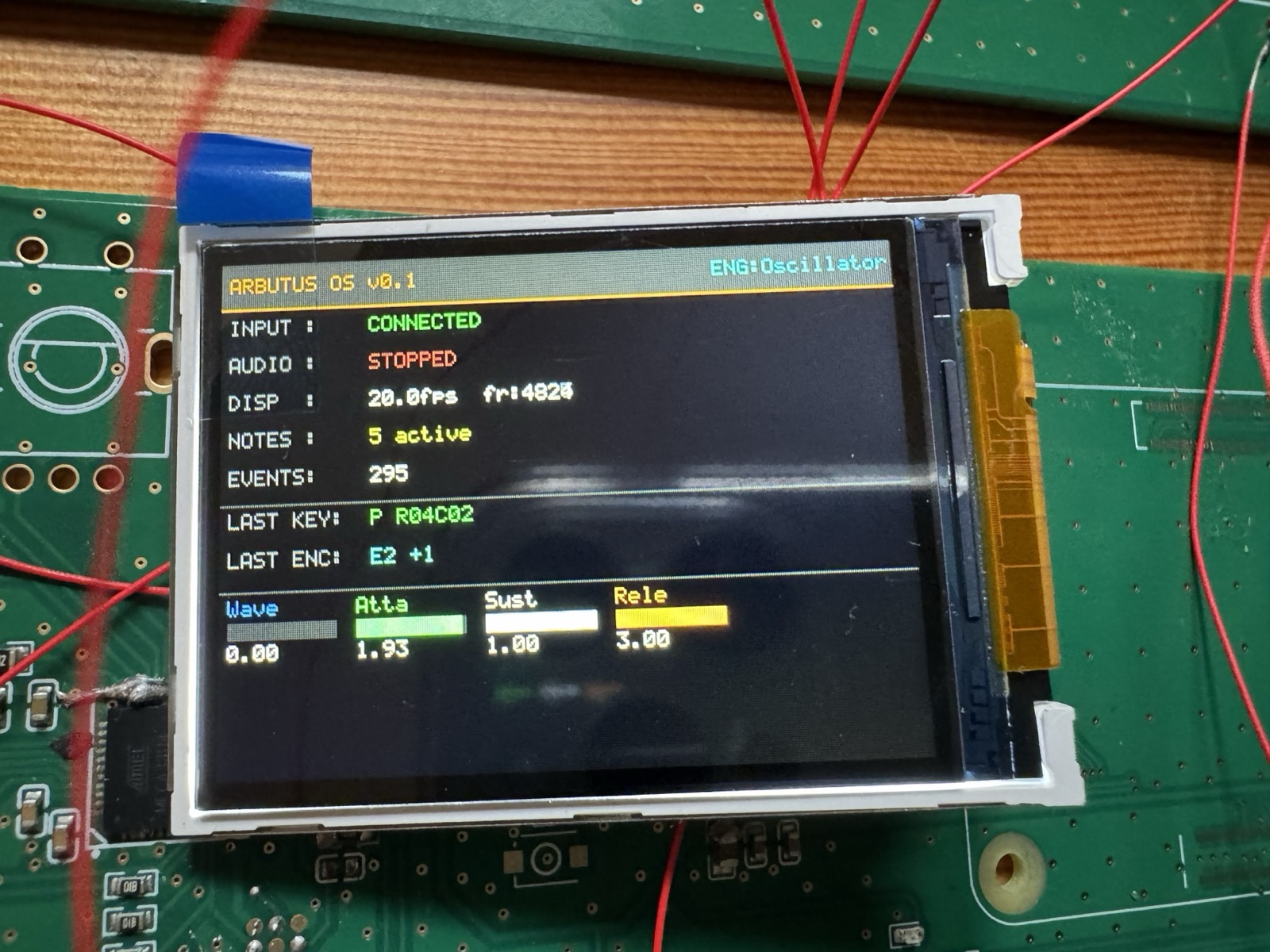
The display finally came up. Soldering straight to the LCD's ribbon pads was unreliable, so I ran eleven wires to the display connector on the spare board instead, reordered to undo a mirrored connector in my design. With that, a diagnostic version of the operating system showed every key press and knob turn on screen.

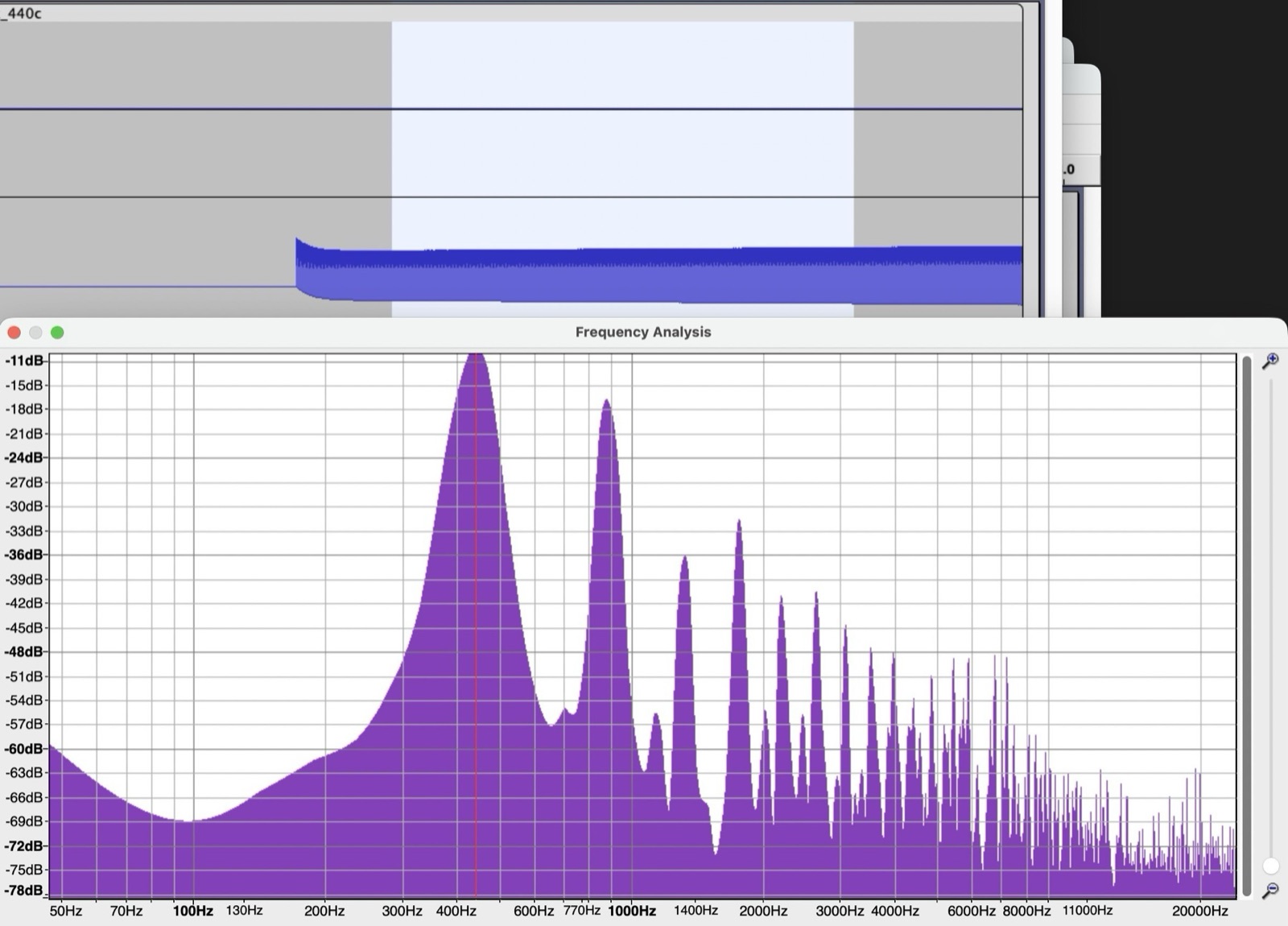
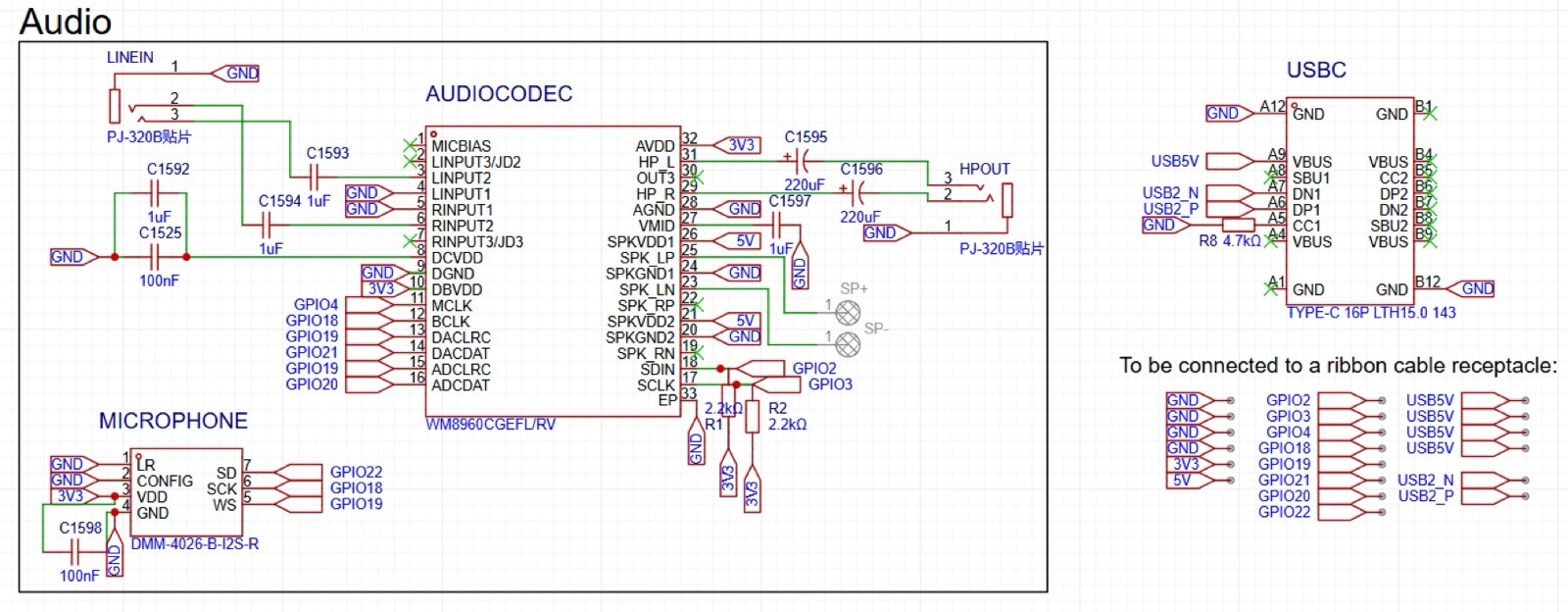
Line-in and headphone-out were tested with a 440 Hz round trip. The spectrum shows harmonic distortion from gain staging, not digital noise leaking into the audio path, so the analog layout can stay as it is.

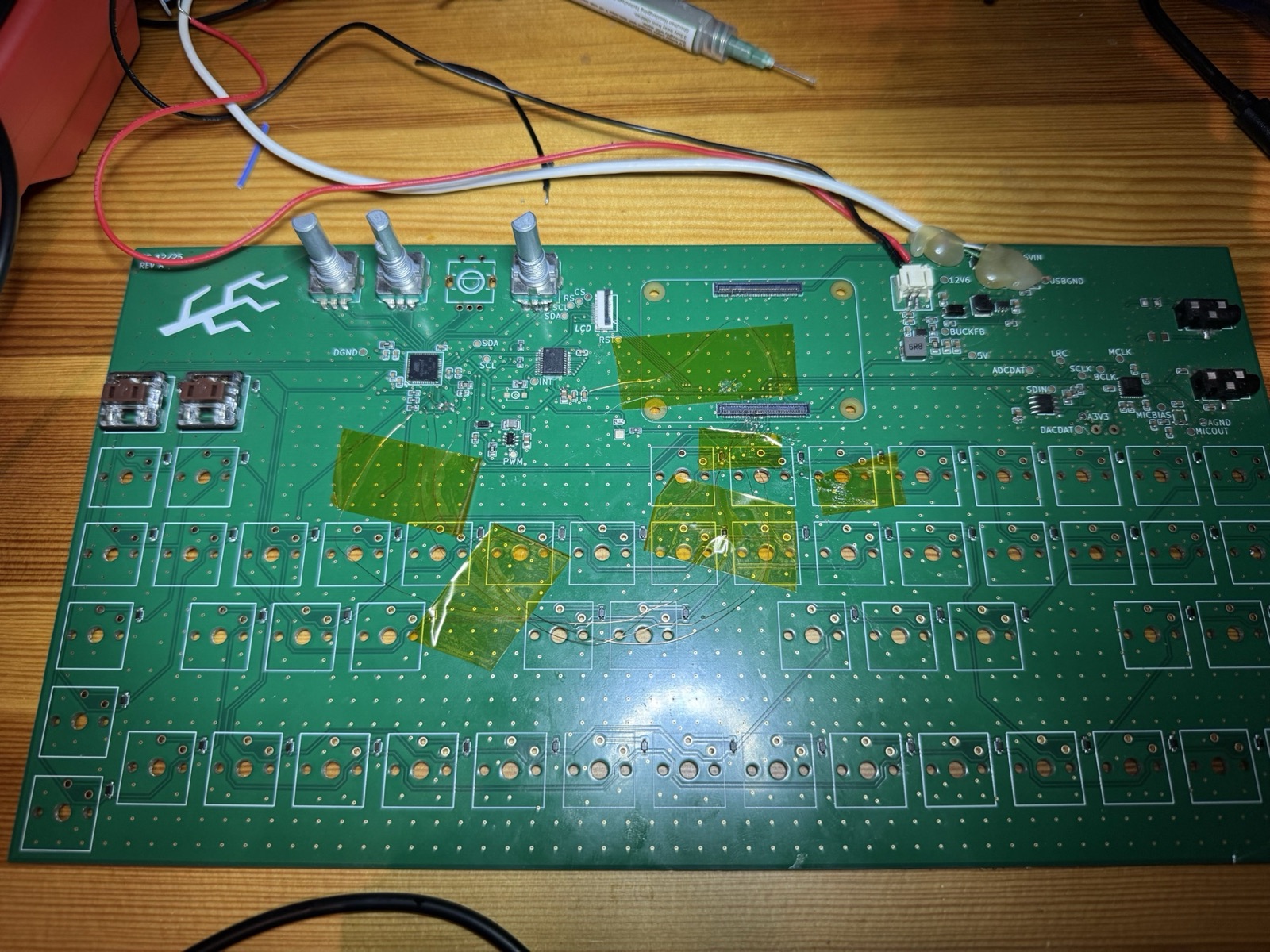
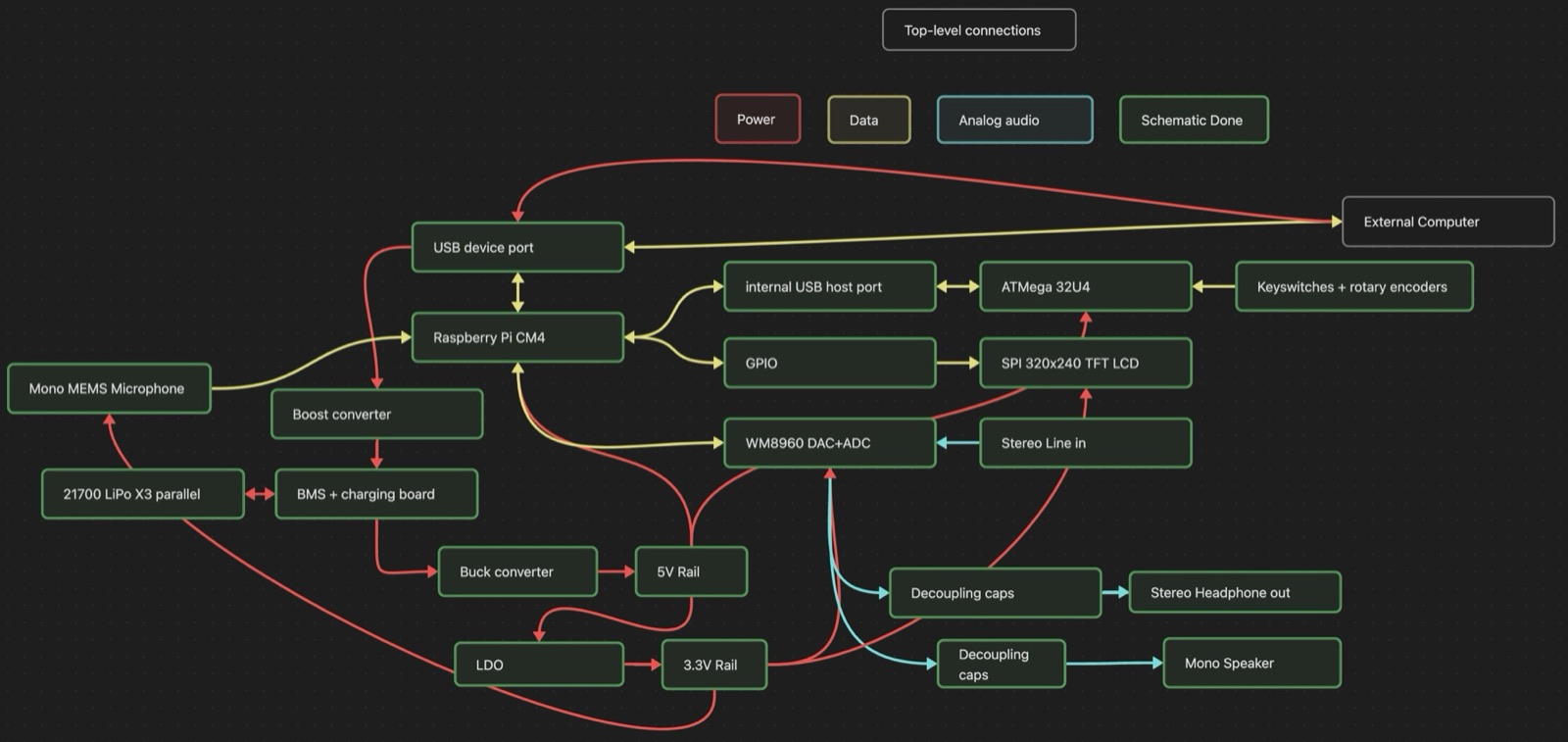
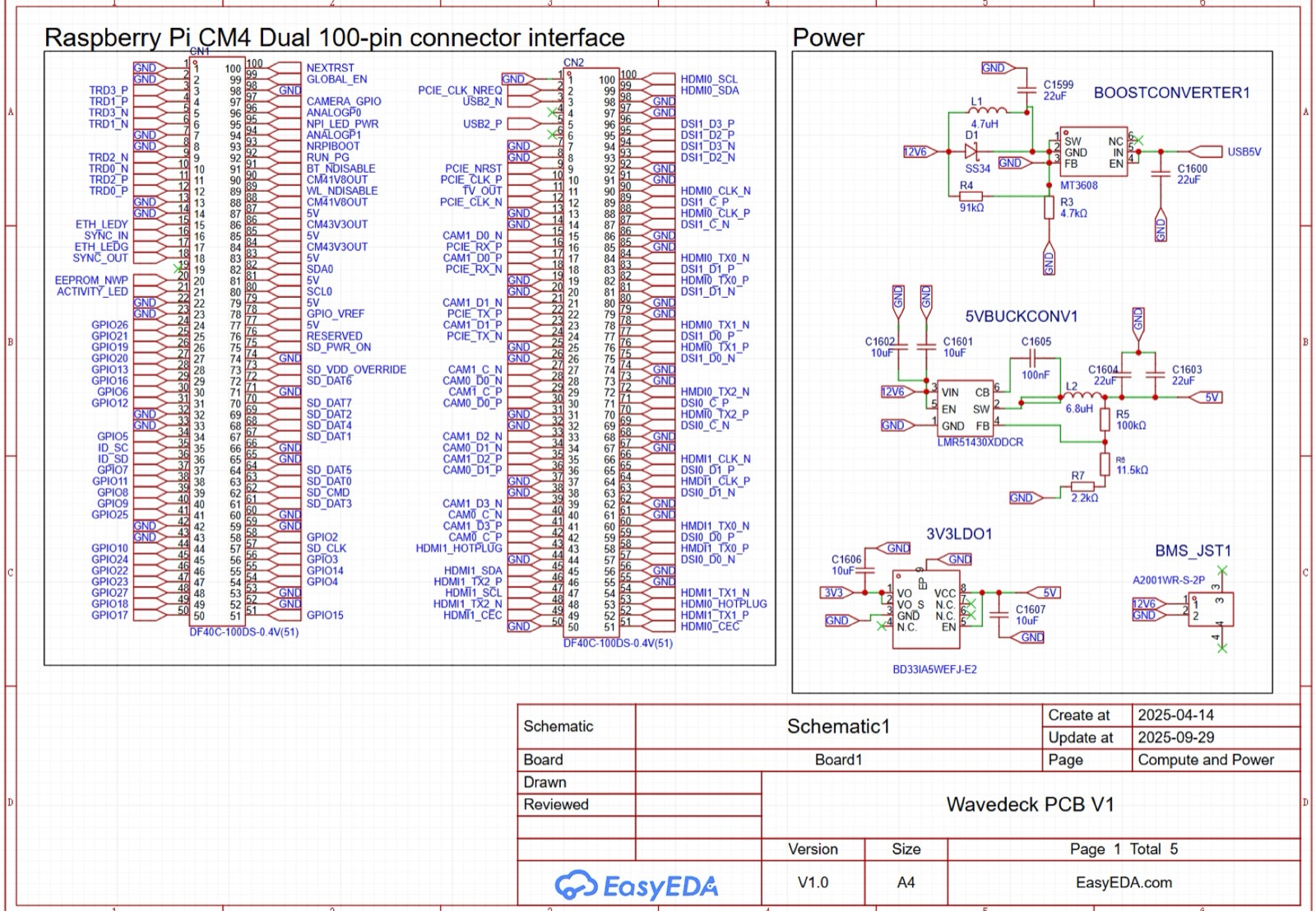
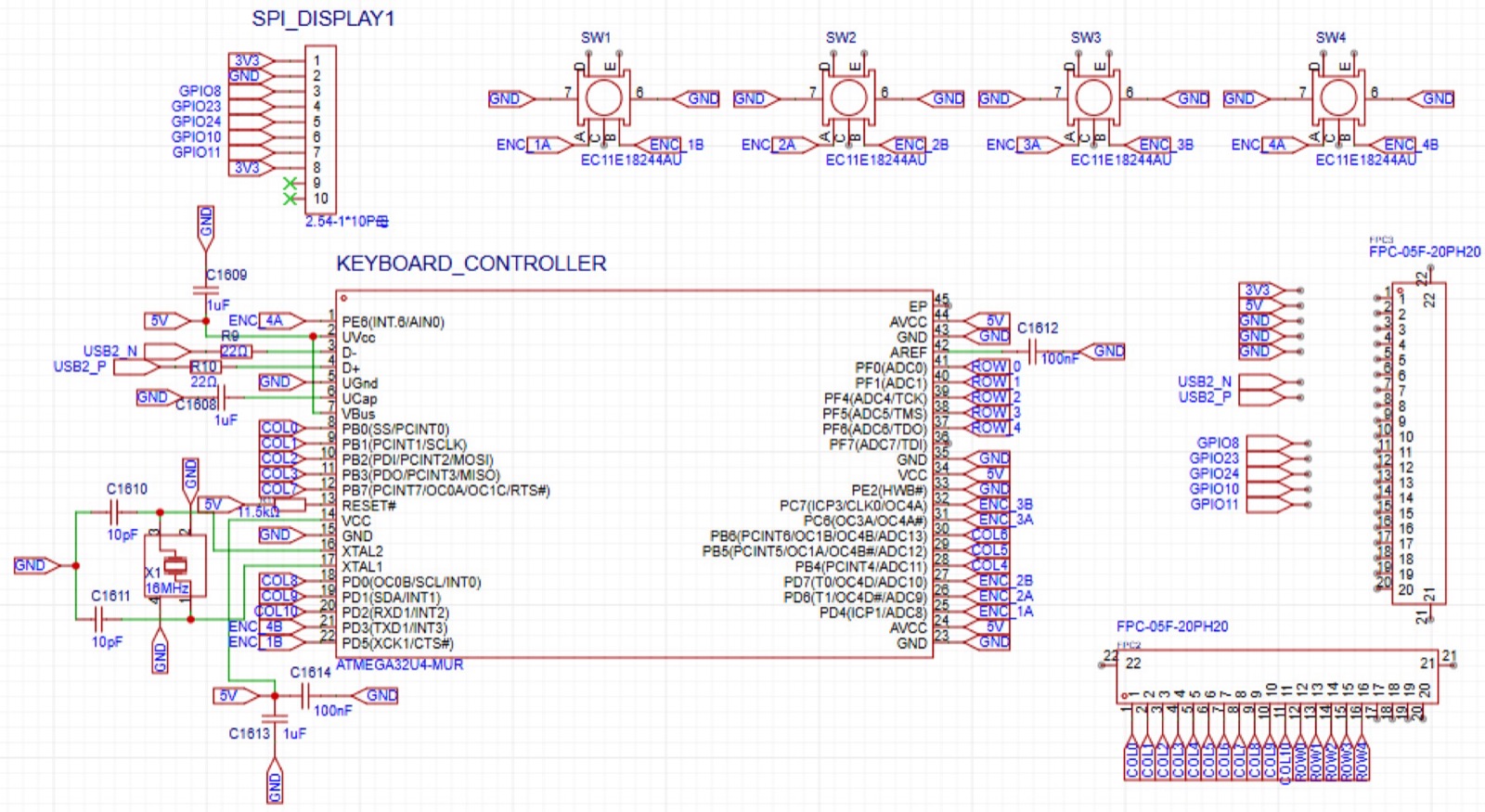
That closed electrical validation. Power, the Compute Module, the audio codec, the keyboard controller, the encoders and the display were all verified on the first board.

Flashing the keyboard chip

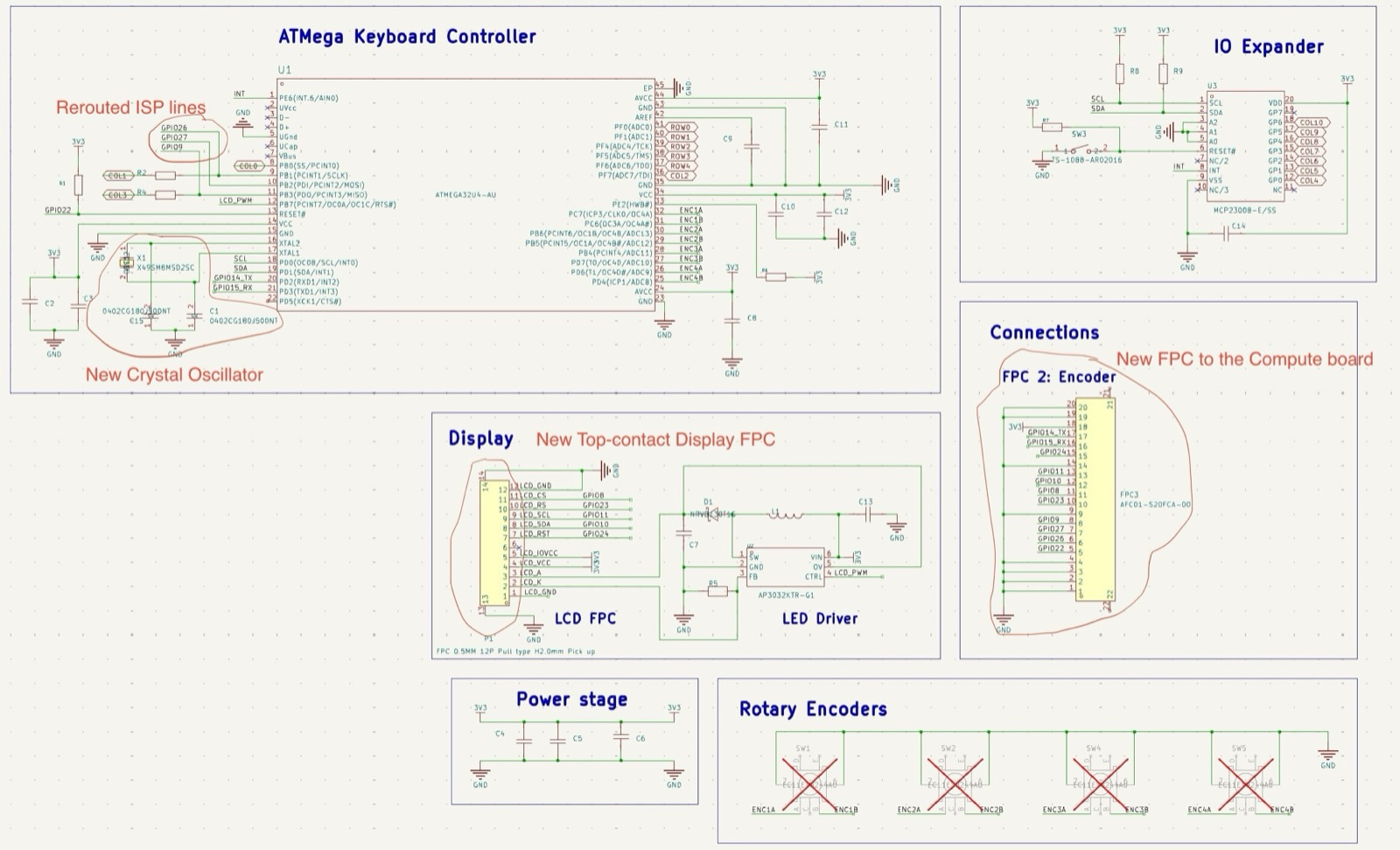
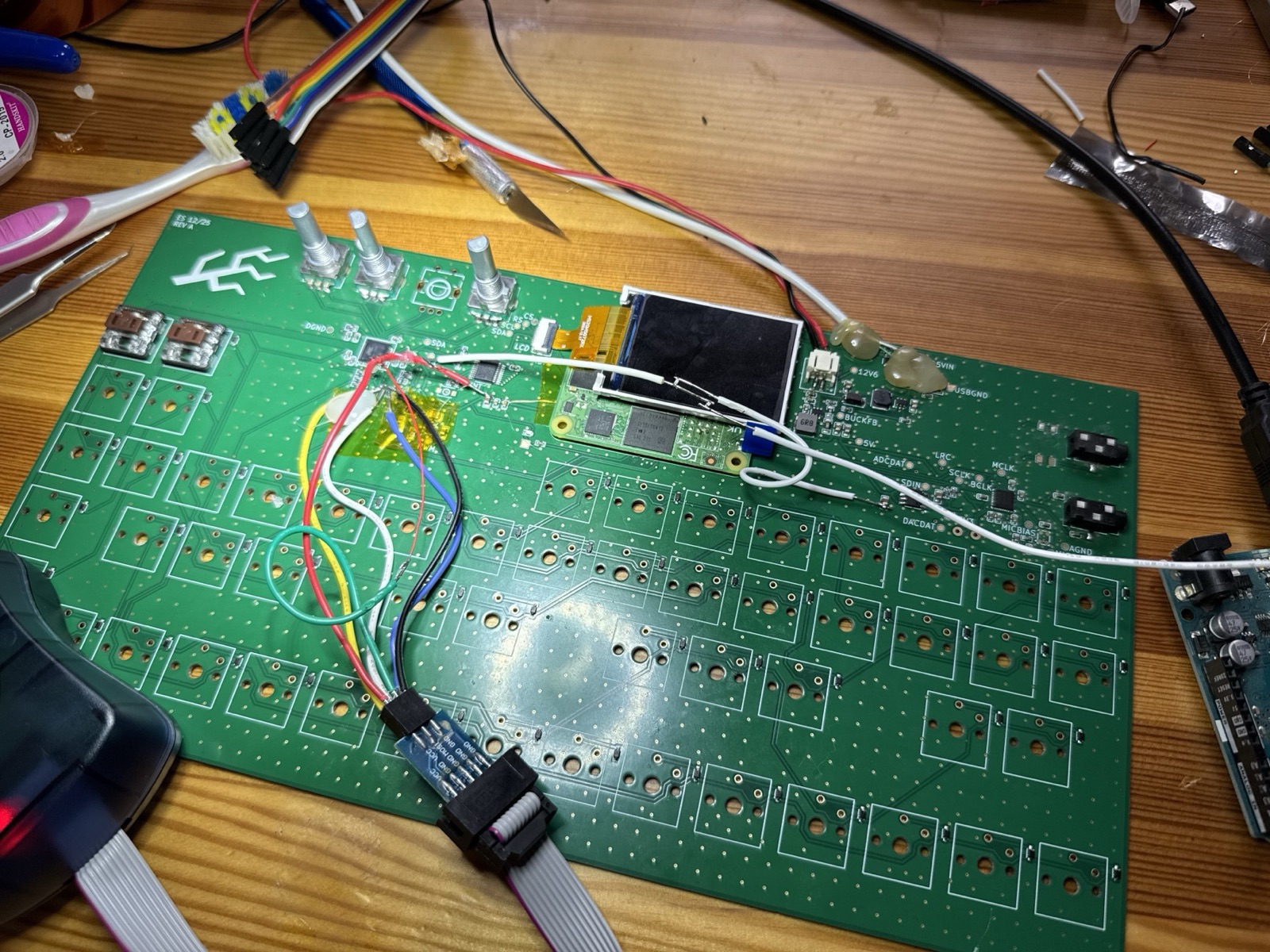
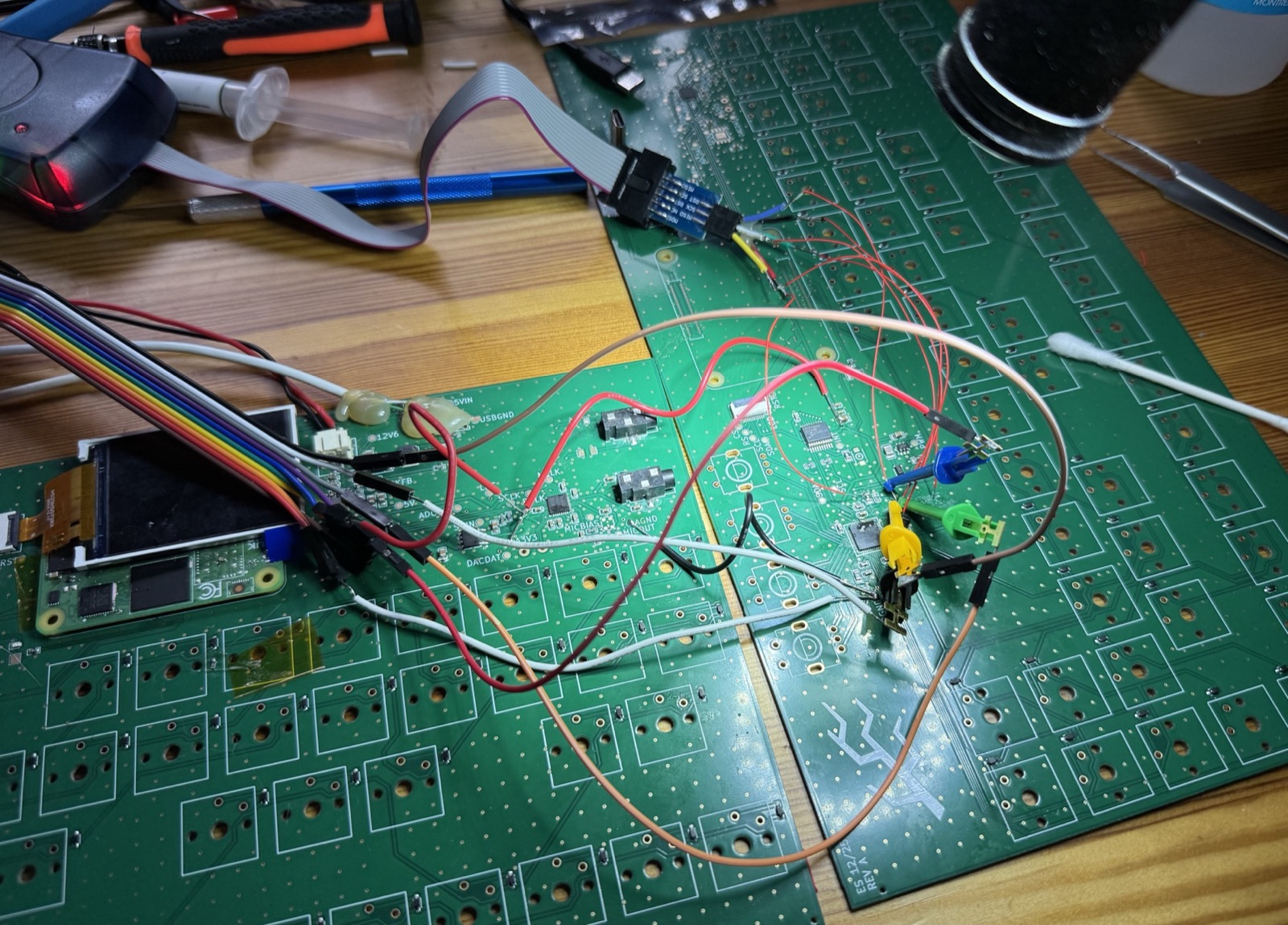
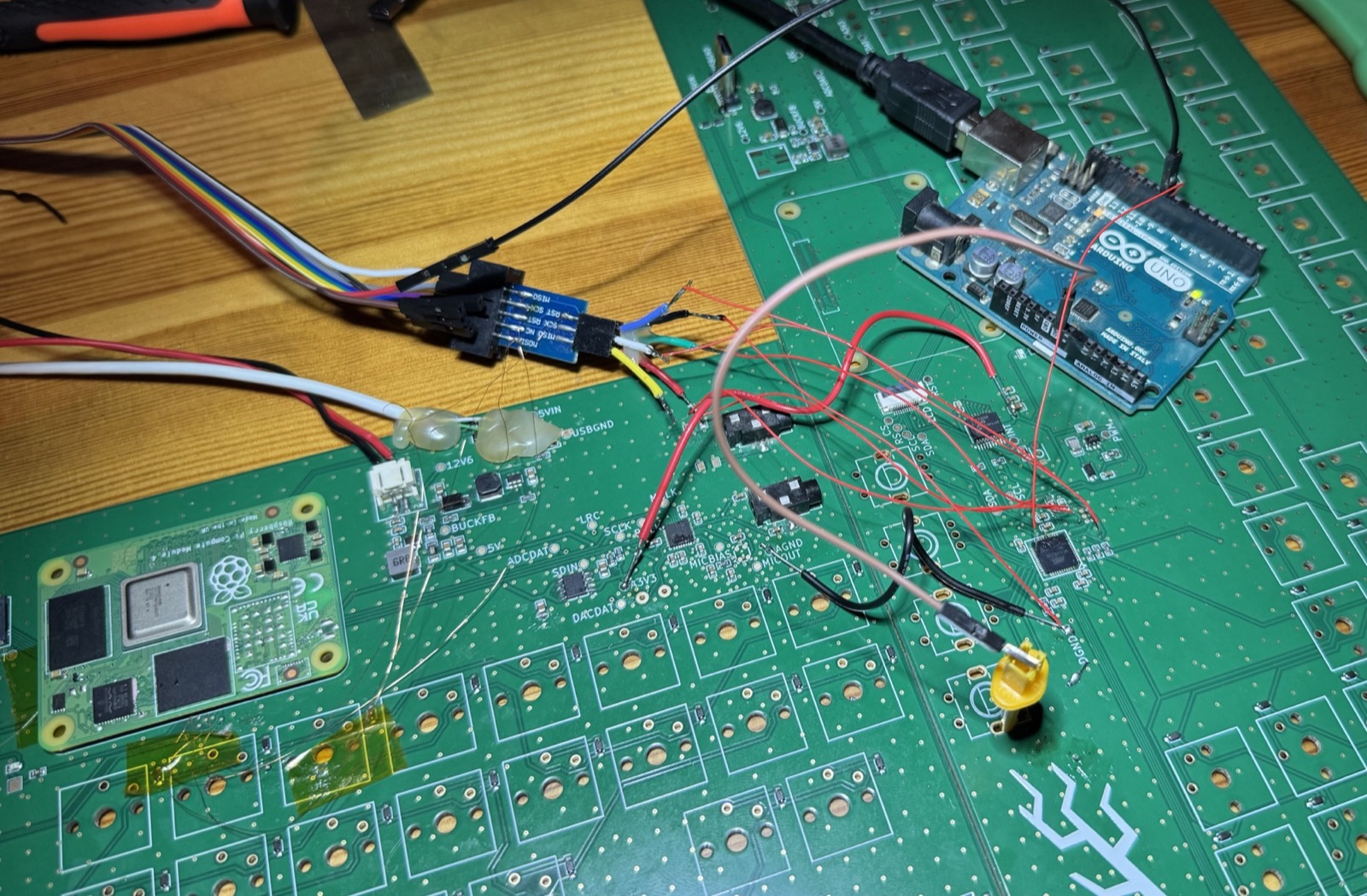
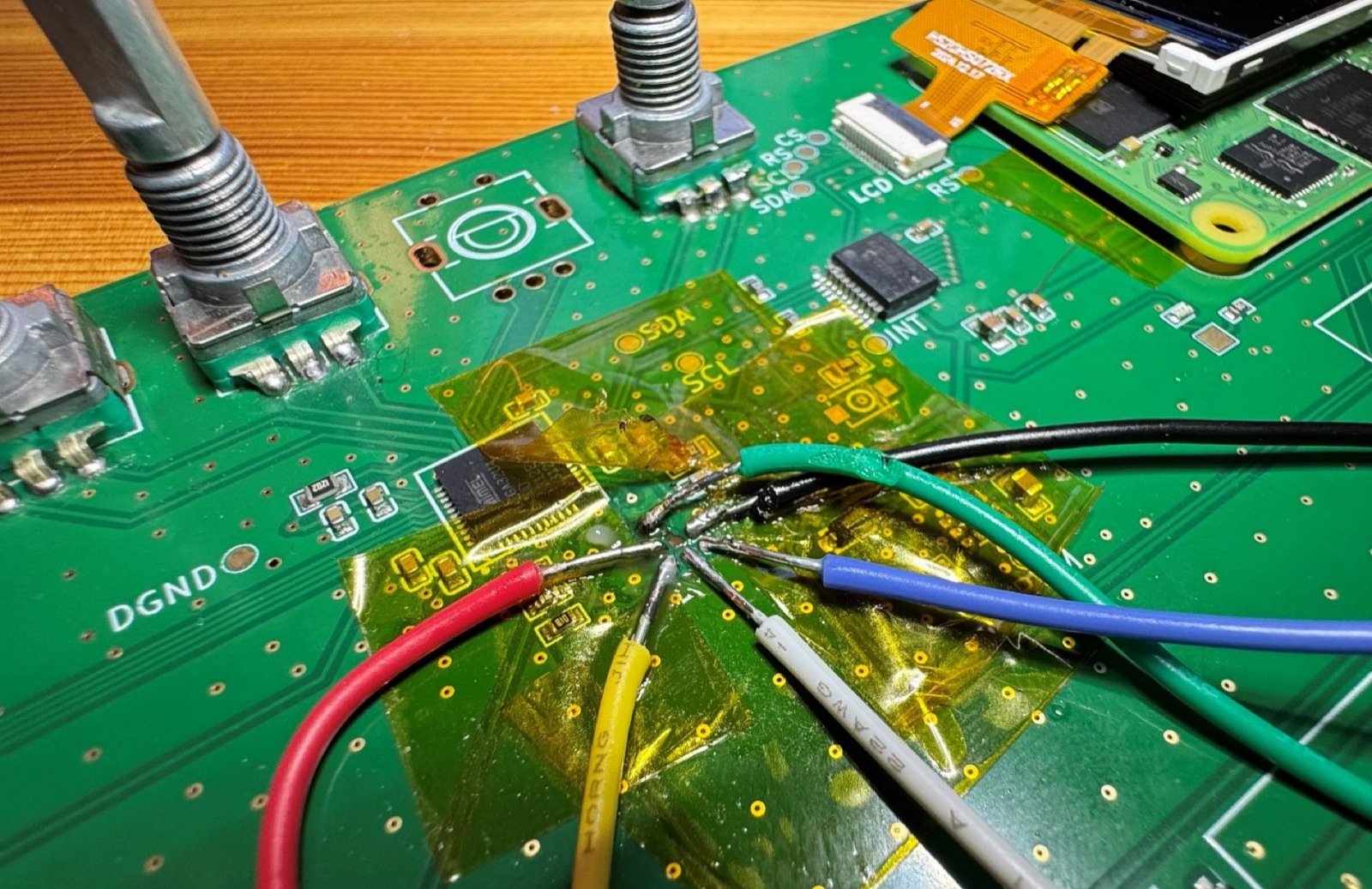
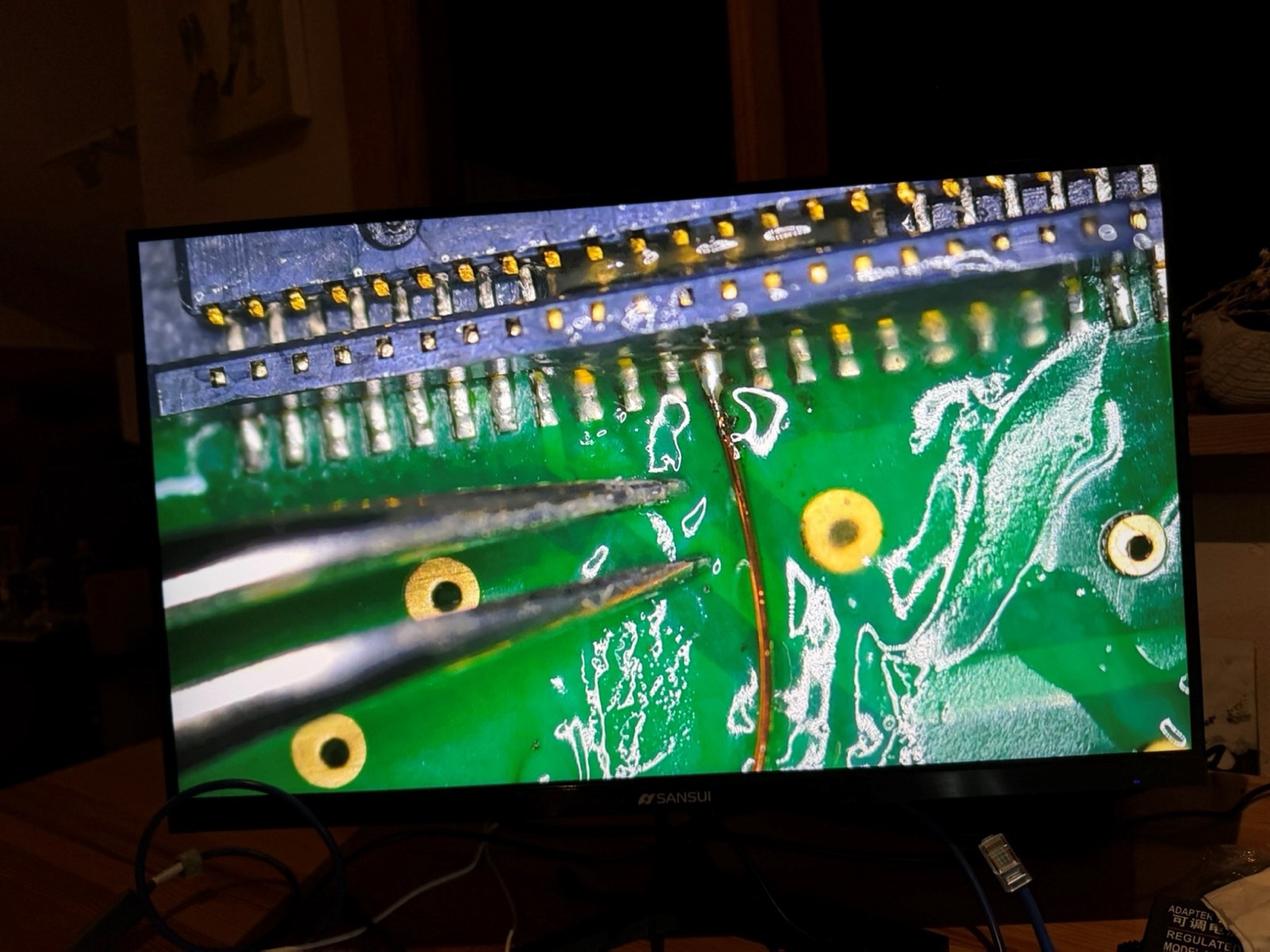
The ATmega microcontroller that scans the keyboard would not accept firmware. It turned out to be two faults at once: the chip was waiting for an external crystal I had not fitted, and the programmer was releasing the reset line too late to matter. Finding that took an Arduino injecting a clock signal, a second board wired up in case the first chip was dead, a logic analyser on the programming lines, and finally the Compute Module on the board itself doing the programming through 0.1 mm wires.

Once it took, the encoders and the first key switches read correctly. Two lessons went in the log. Don't decide a chip is dead until you can prove it. And when an AI assistant contradicts itself on a datasheet detail, make it go and check, because that one cost a week.

First interface on a screen, and a two-piece shell

While the keyboard chip was being fought with, I had Claude Code build a proof of concept of the software: a synth page with four parameters on the four knobs, an engine picker, and sound out, running on the Mac through a thin emulation layer. It proved that the libraries and architecture we had picked would work before anything ran on the device.

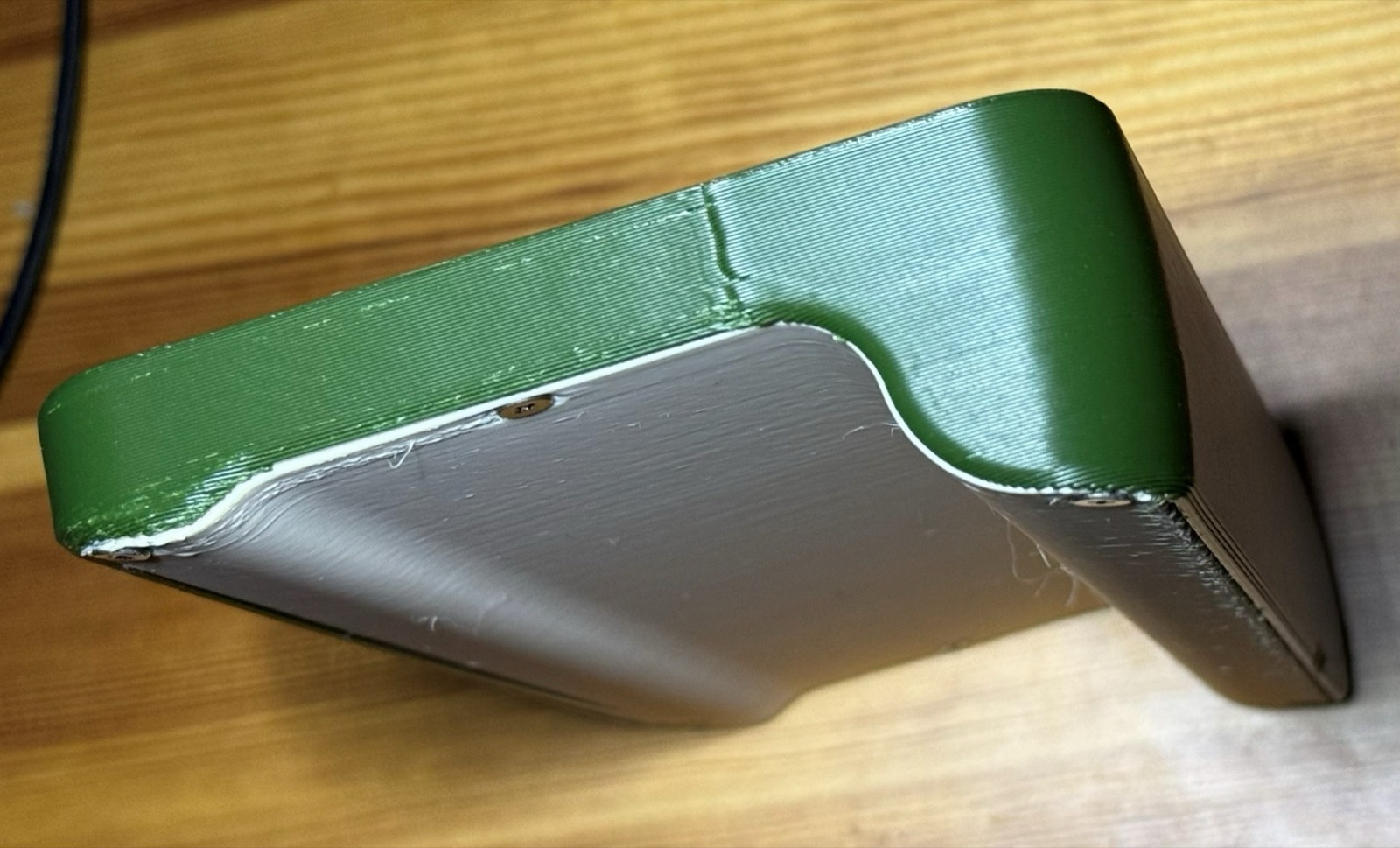
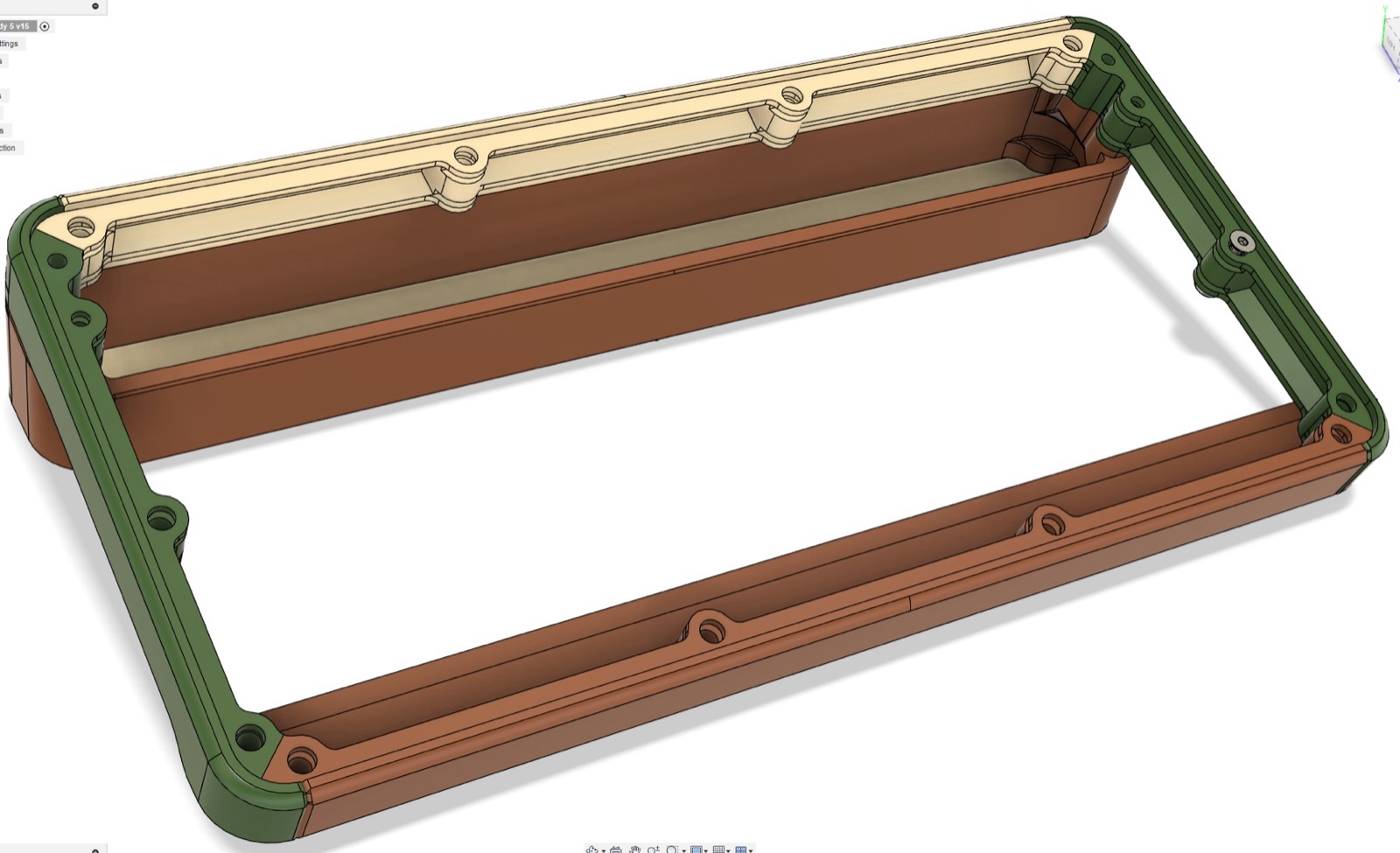
Separately, a new enclosure printed in two pieces with six bolts, a big reduction from the previous shell, to find out how simple assembly could get. It still needed work on rigidity and on the surface finish from the large nozzle, but the direction held.

The board arrives

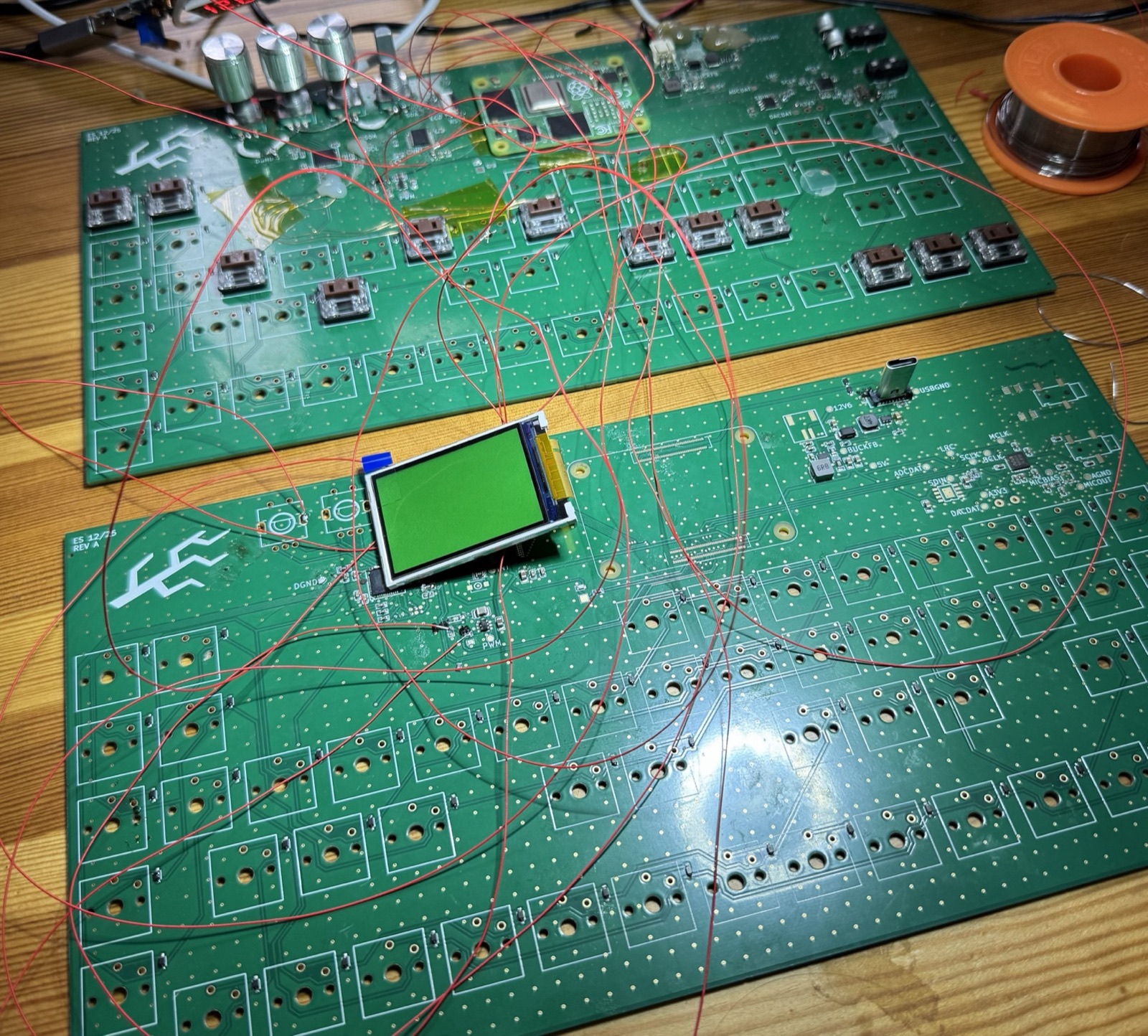
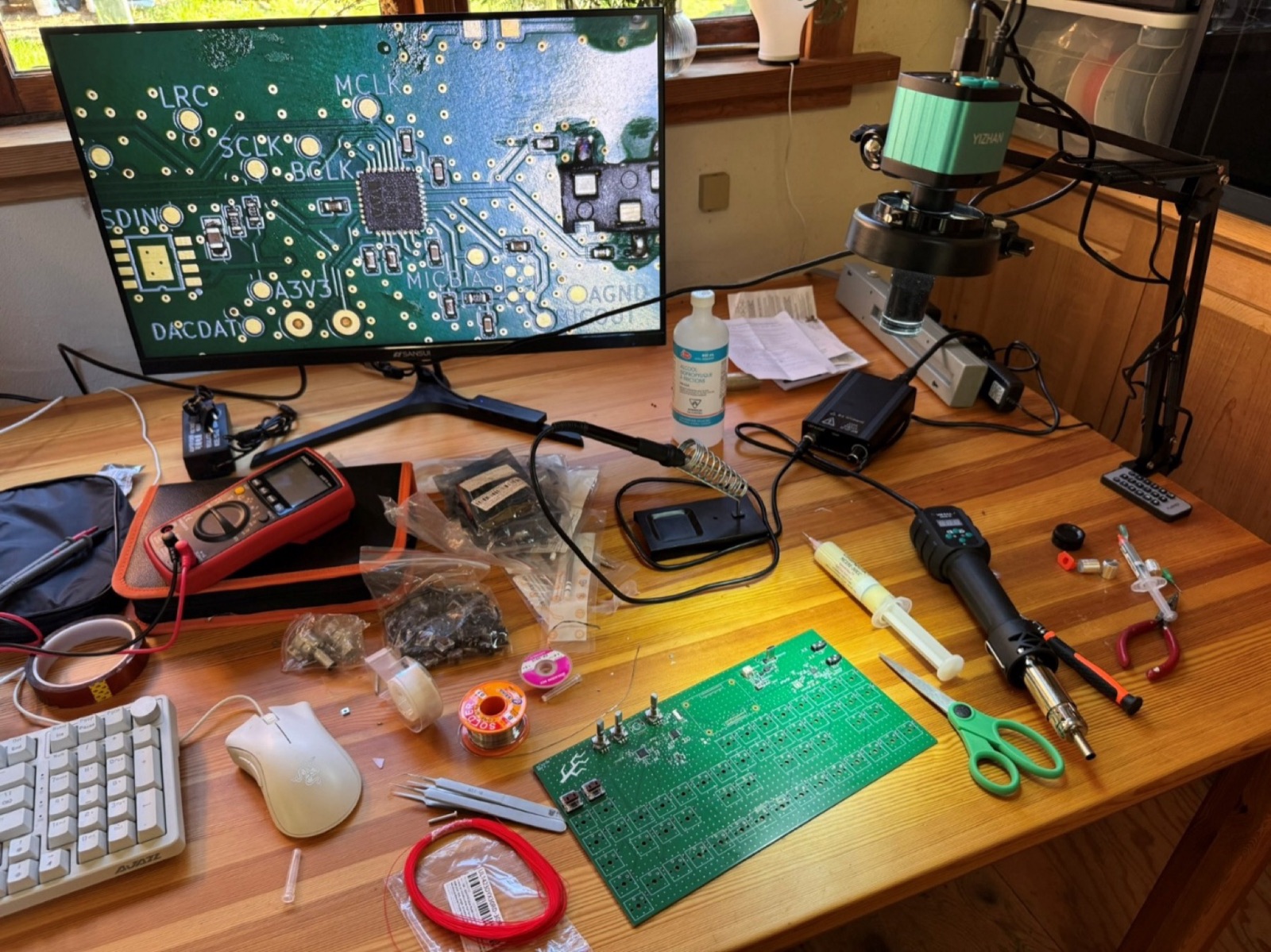
The validation board came back over the holidays with most of the parts placed. I set up a microscope camera, hot air and paste, learned micro-soldering from a colleague who does it for a living, and fitted the two 100-pin connectors for the Compute Module 4. Twice, because one lifted off with the module and the other took a drop of solder somewhere it should not be.

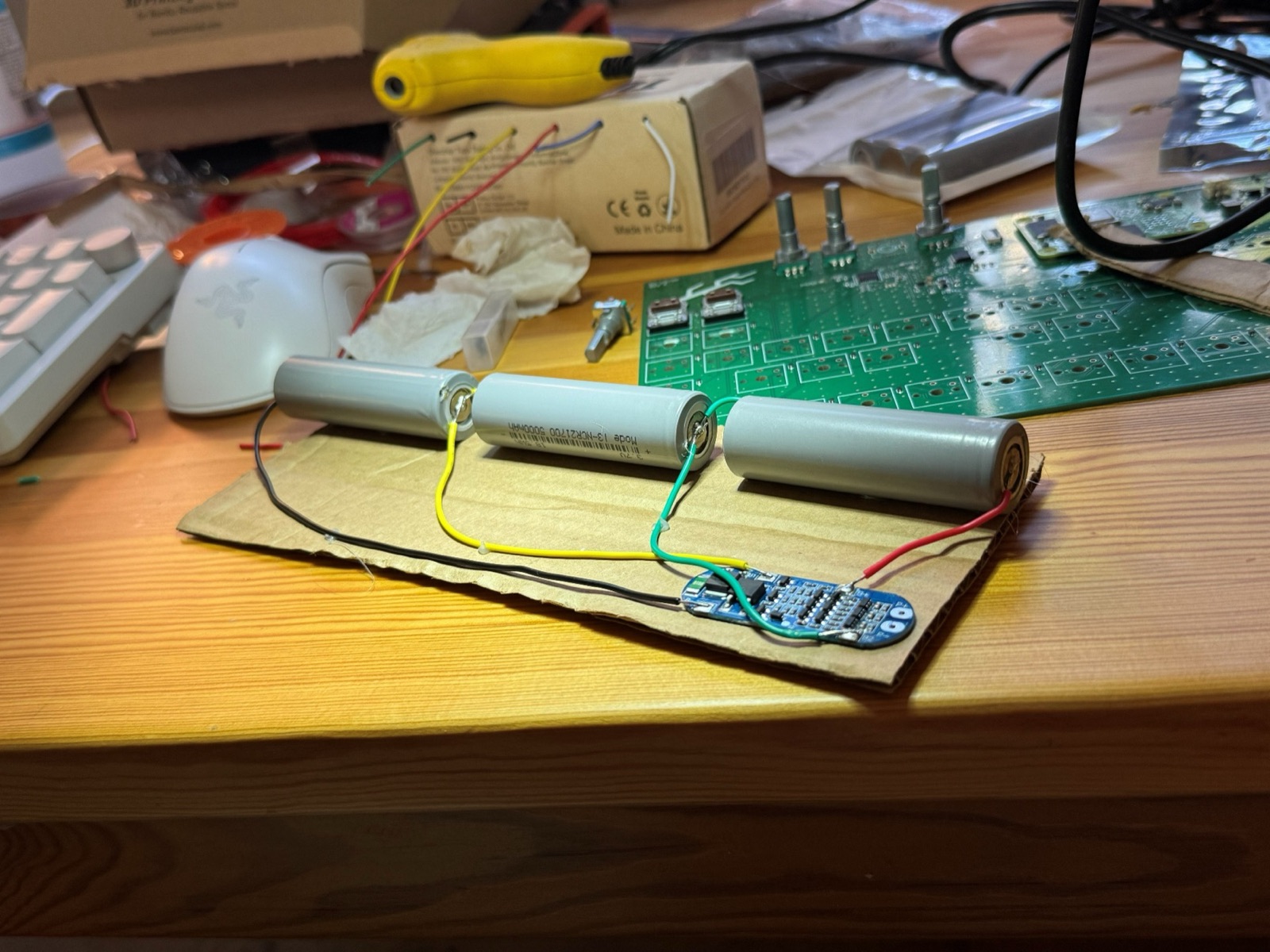
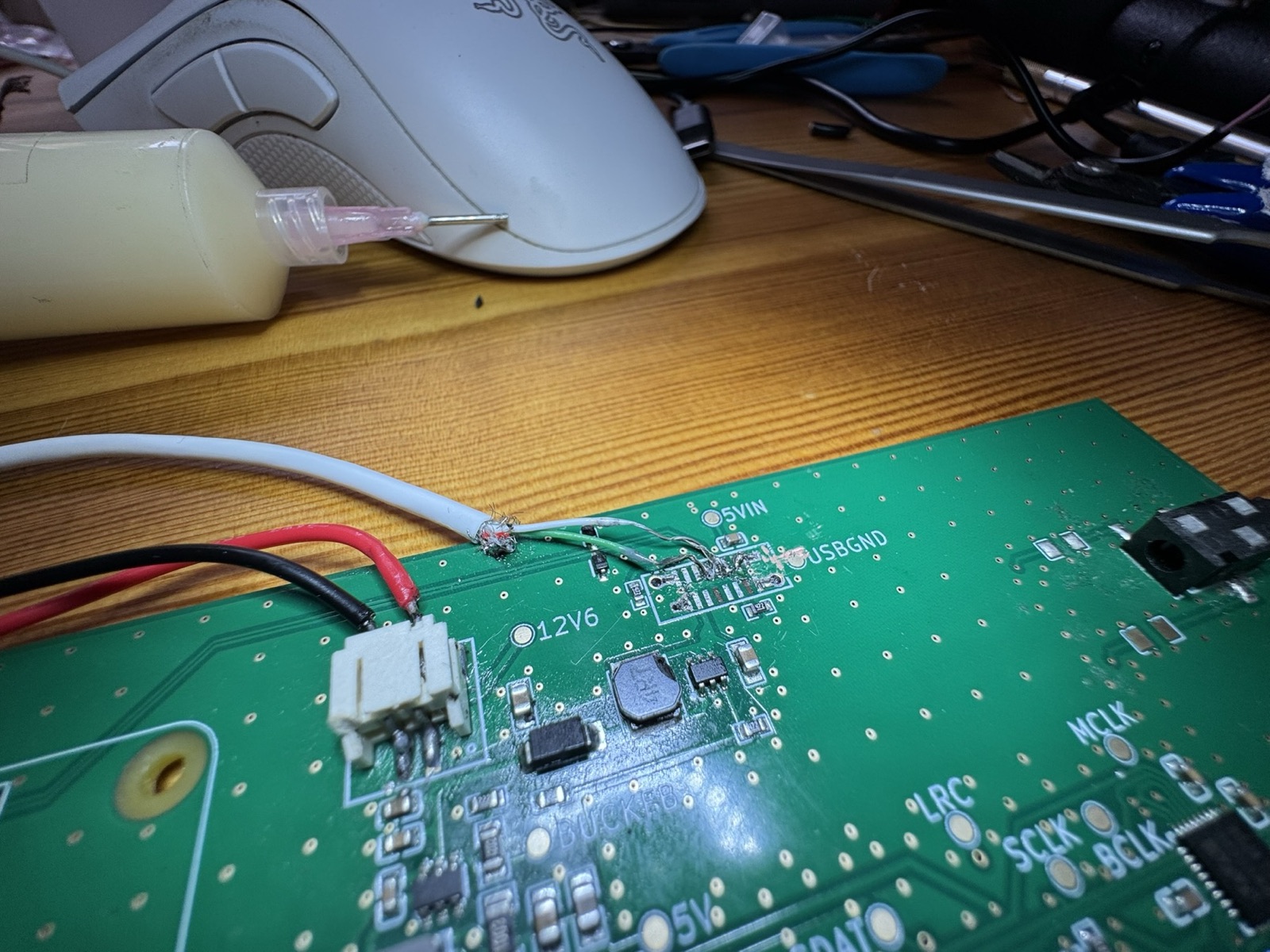
Three 21700 cells and a management board made the pack, and the 5 V and 3.3 V rails measured right. The Compute Module booted after a missing connection was bridged with 0.1 mm wire and a backwards diode was turned around. USB needed a cable spliced straight onto the pads. By the end of the month the audio codec was answering over I2C, with Claude Code diagnosing most of the problems from the terminal.

Laying out the validation board

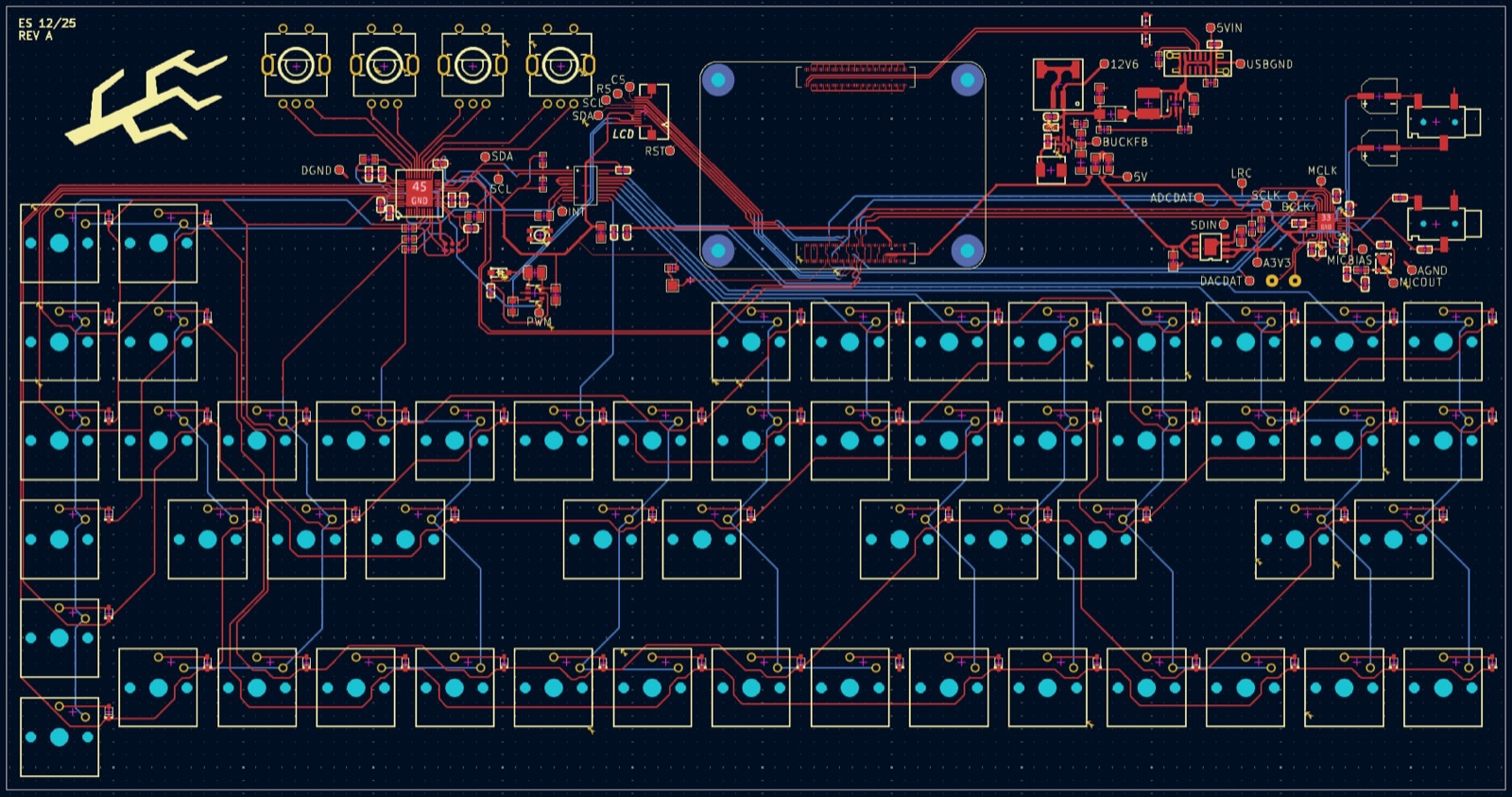
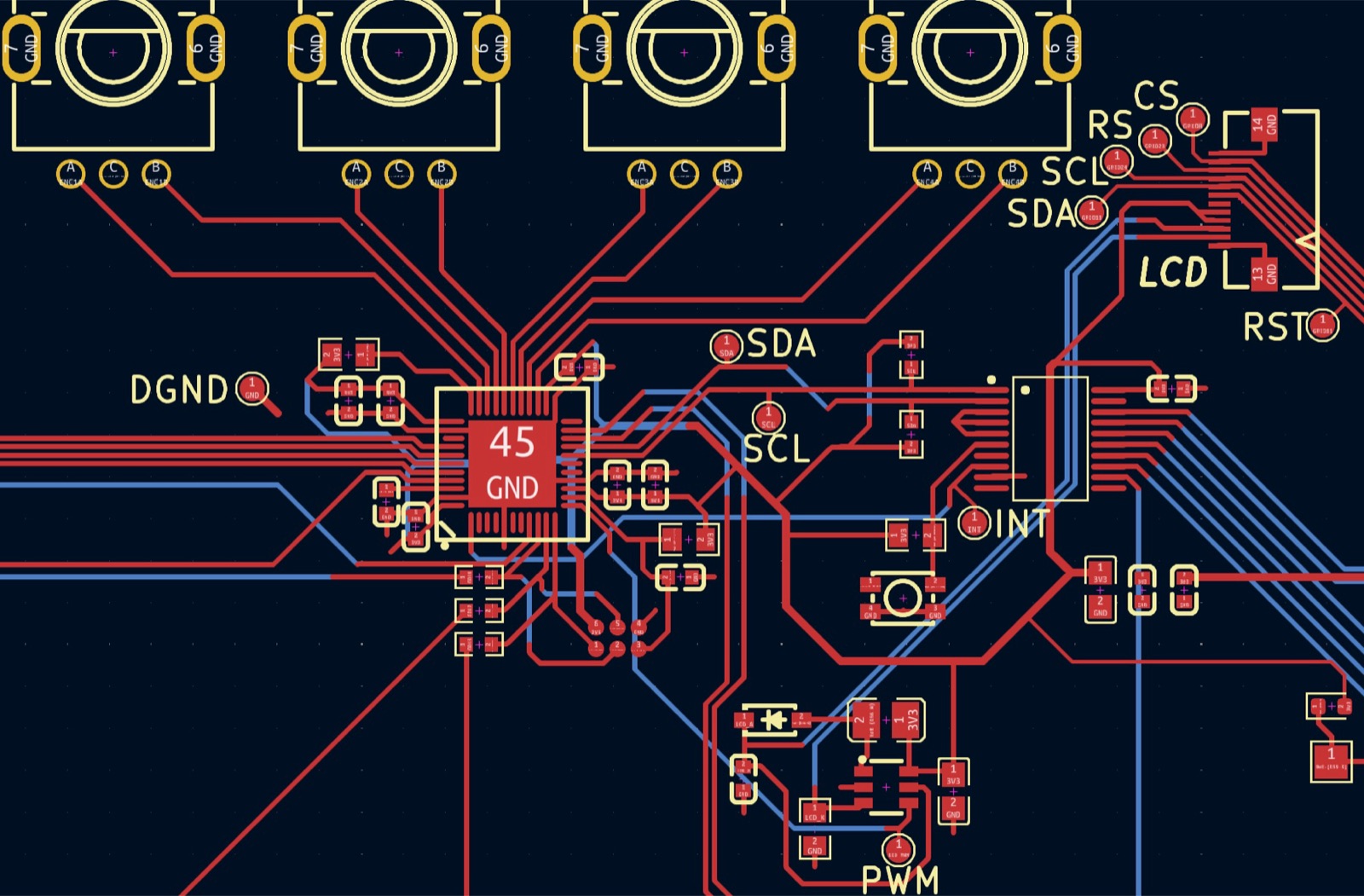
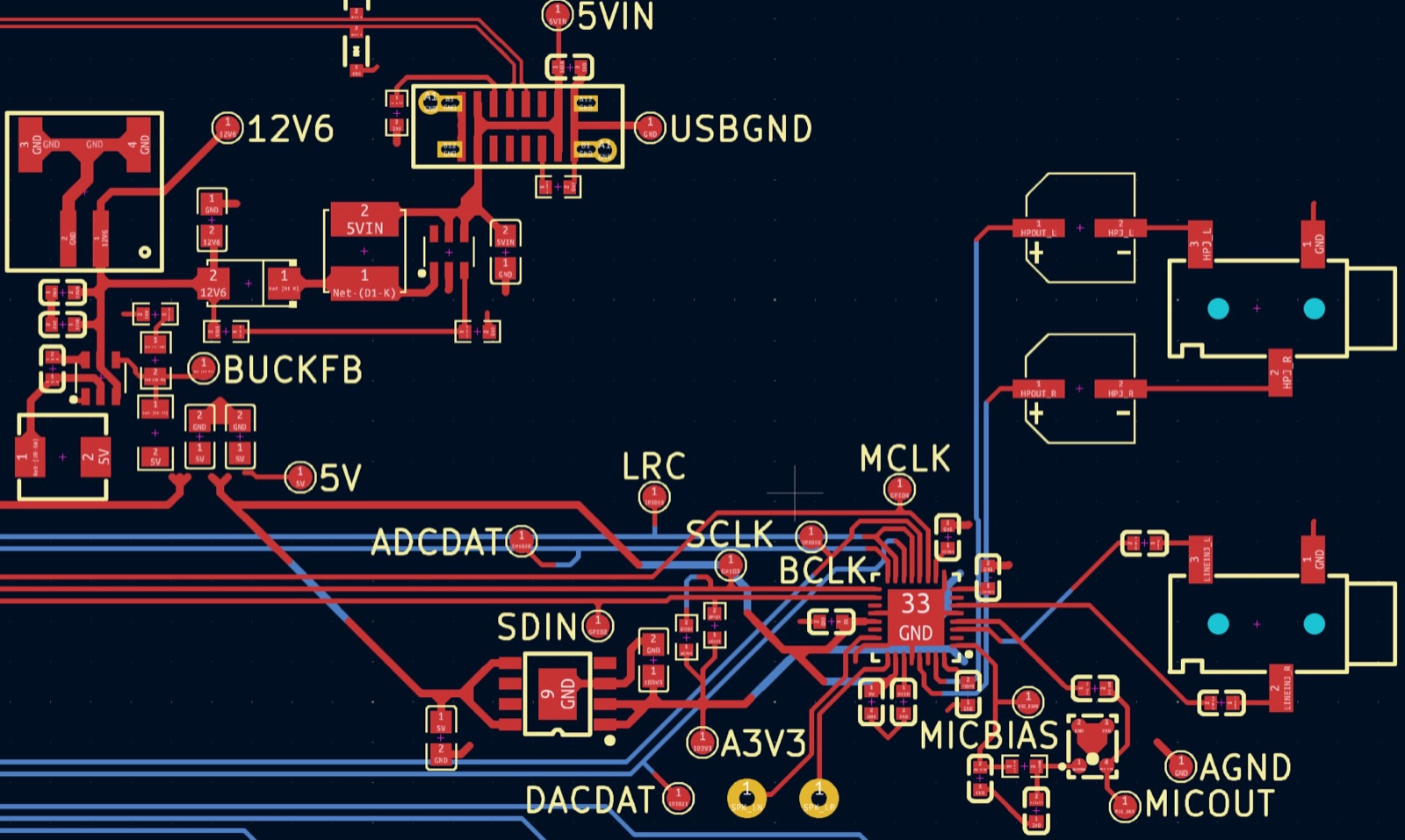
The first board's job is to test the schematic, not to fit the product. So: one big board, no attention to where anything sits in a chassis, larger passive components so I can rework them by hand, test pads on every important trace, ground planes on both signal layers with stitching vias. I migrated from EasyEDA to KiCad on the way, following Phil's Lab's layout course, and ordered from JLCPCB in mid-December.

A shell to hold, and Discover Tectoria

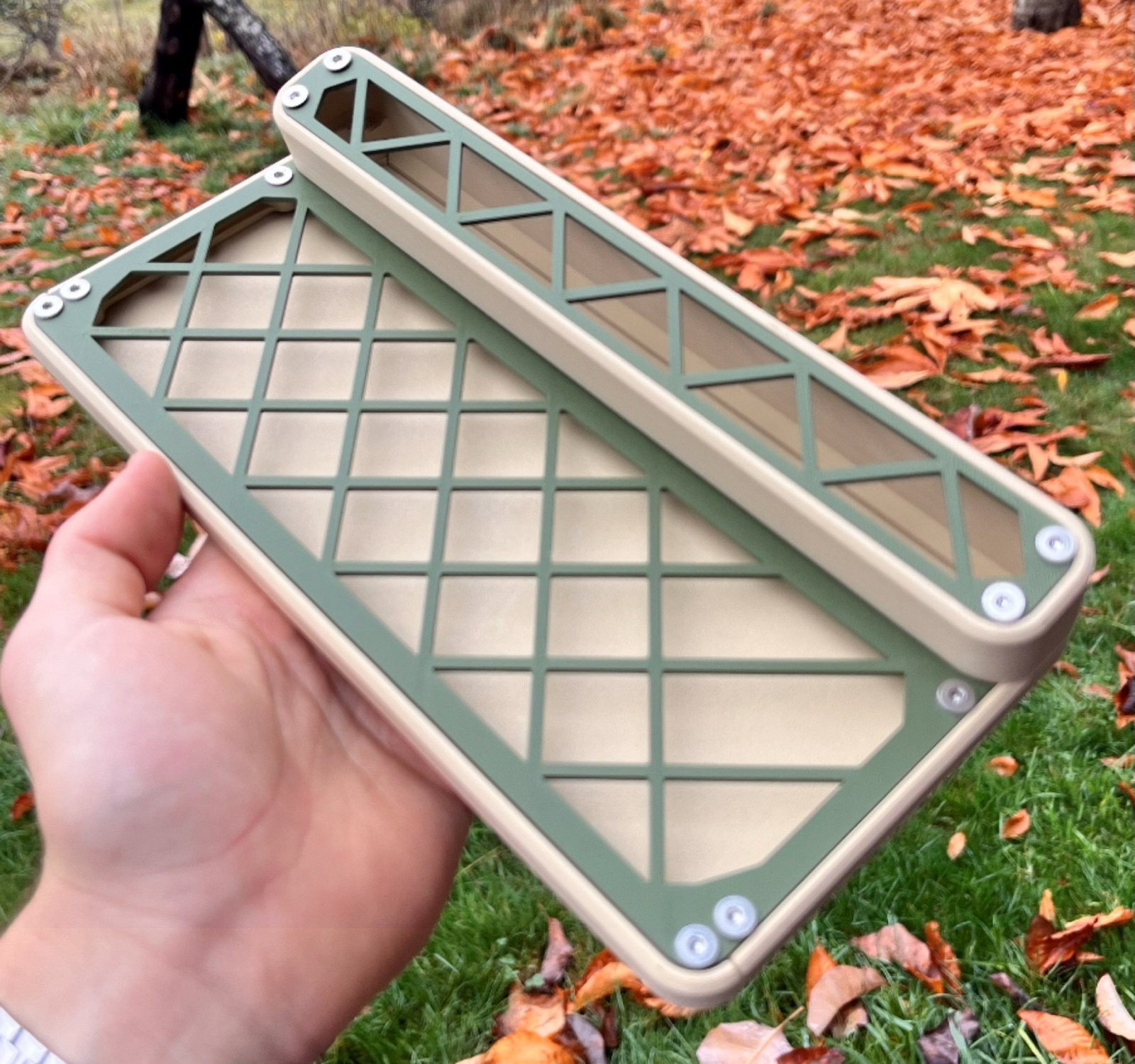
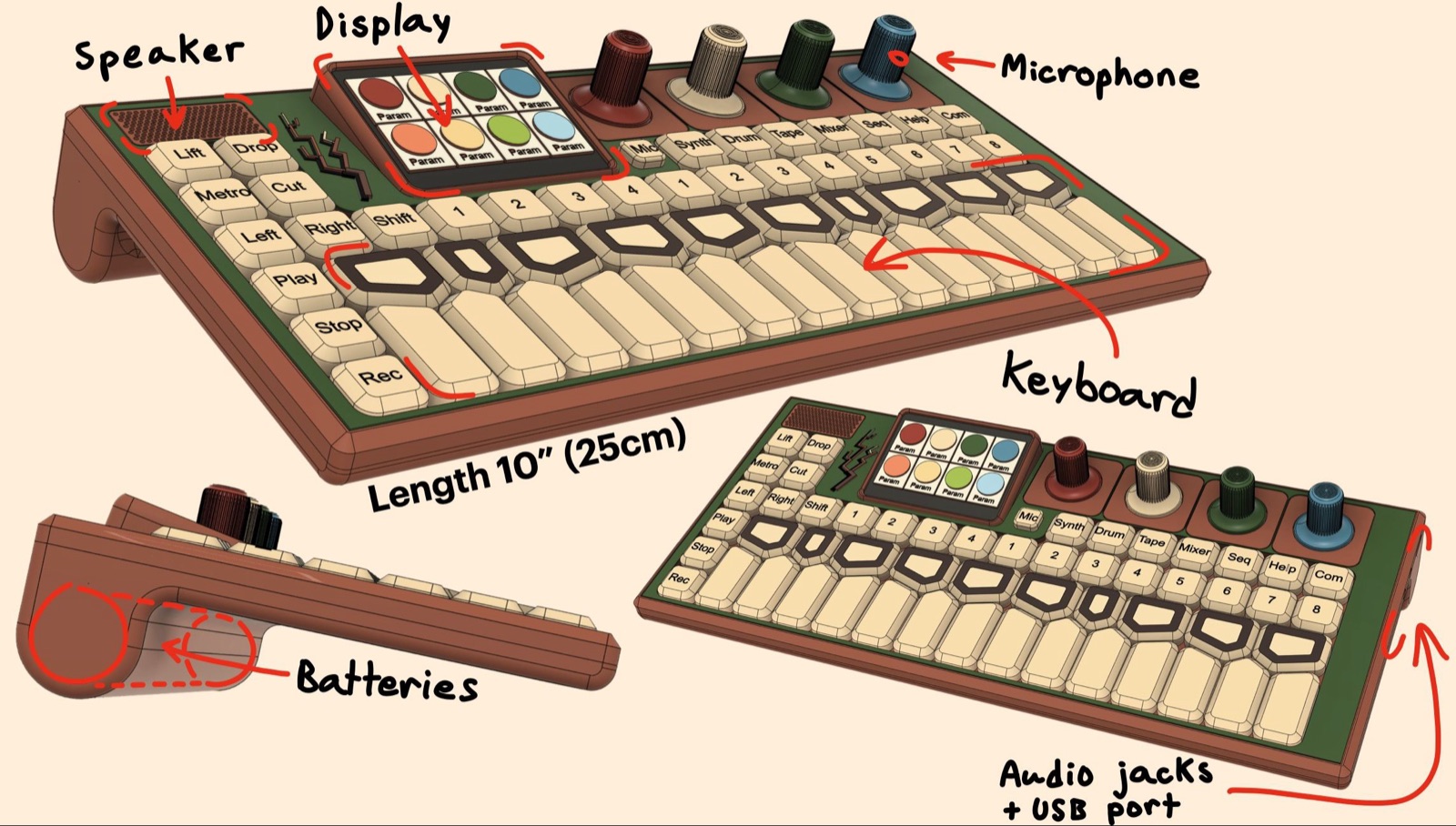
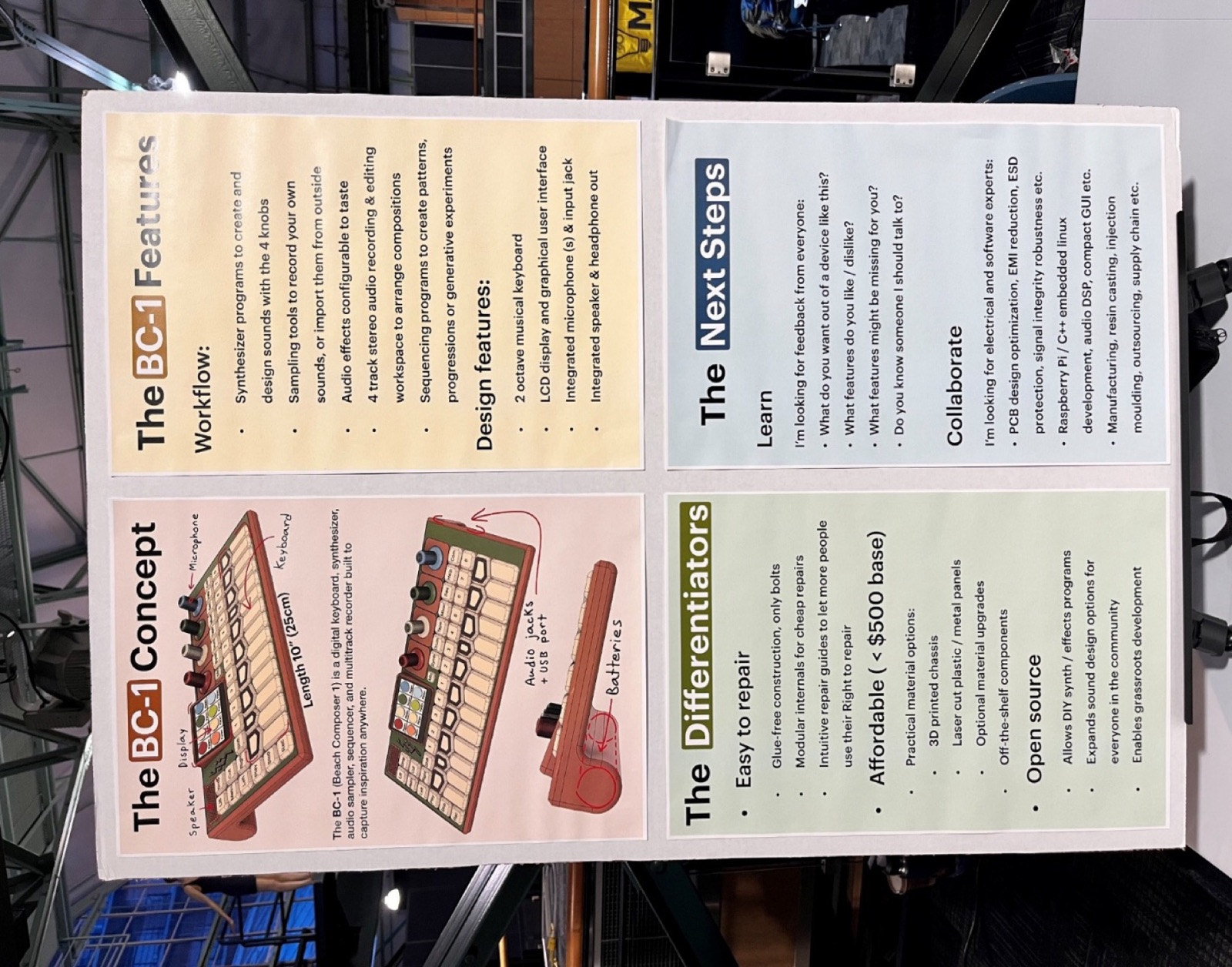
A size-and-shape model, printed to take to Discover Tectoria, Victoria's technology expo: a 25 cm shell with the inclined display and a printed lattice inside. Talking to strangers about the project for a day produced the first mailing list, twelve people, and a few software contacts.

It was also the fortnight I realised I had been massively overthinking the first circuit board. It did not need to pass emissions tests, survive static discharge, or be shaped like the product yet. A friend pointed that out, and layout went quickly afterwards.

Multi-board, and the arbutus branch

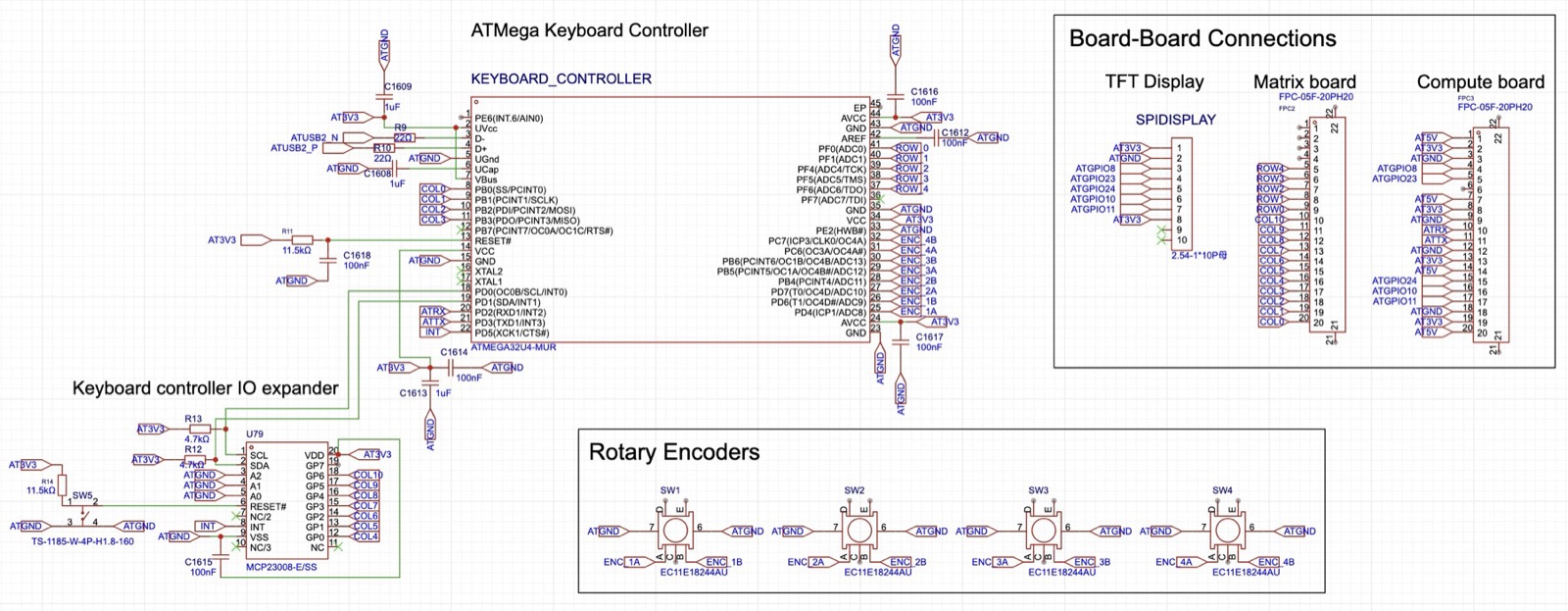
The schematic was reorganised into four boards joined by a single type of 20-pin ribbon connector, so there is one connector part to stock. A conflict surfaced: the external USB port and the keyboard controller both wanted the Compute Module's one USB pair. The fix was a serial link for the controller and an IO expander to free up its pins.

A new mock-up got an inclined display and the arbutus branch that became the logo. I also built a 90-second pitch for the university's PitchIt competition, and made a deliberate decision to under-do circuit protection and interference filtering on the first version, since none of it affects whether the prototype works.

Block diagram, first schematics, first mock-up

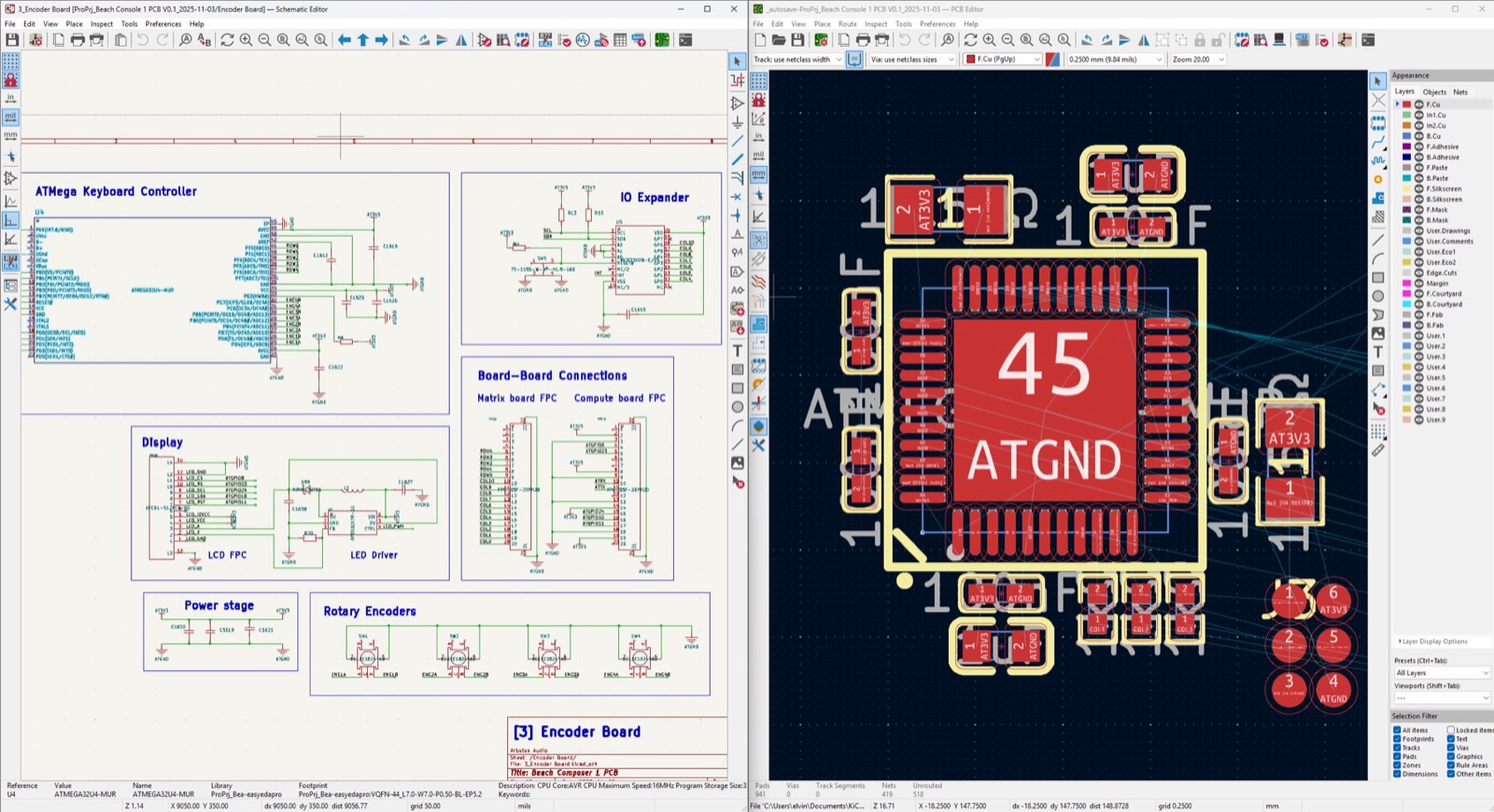
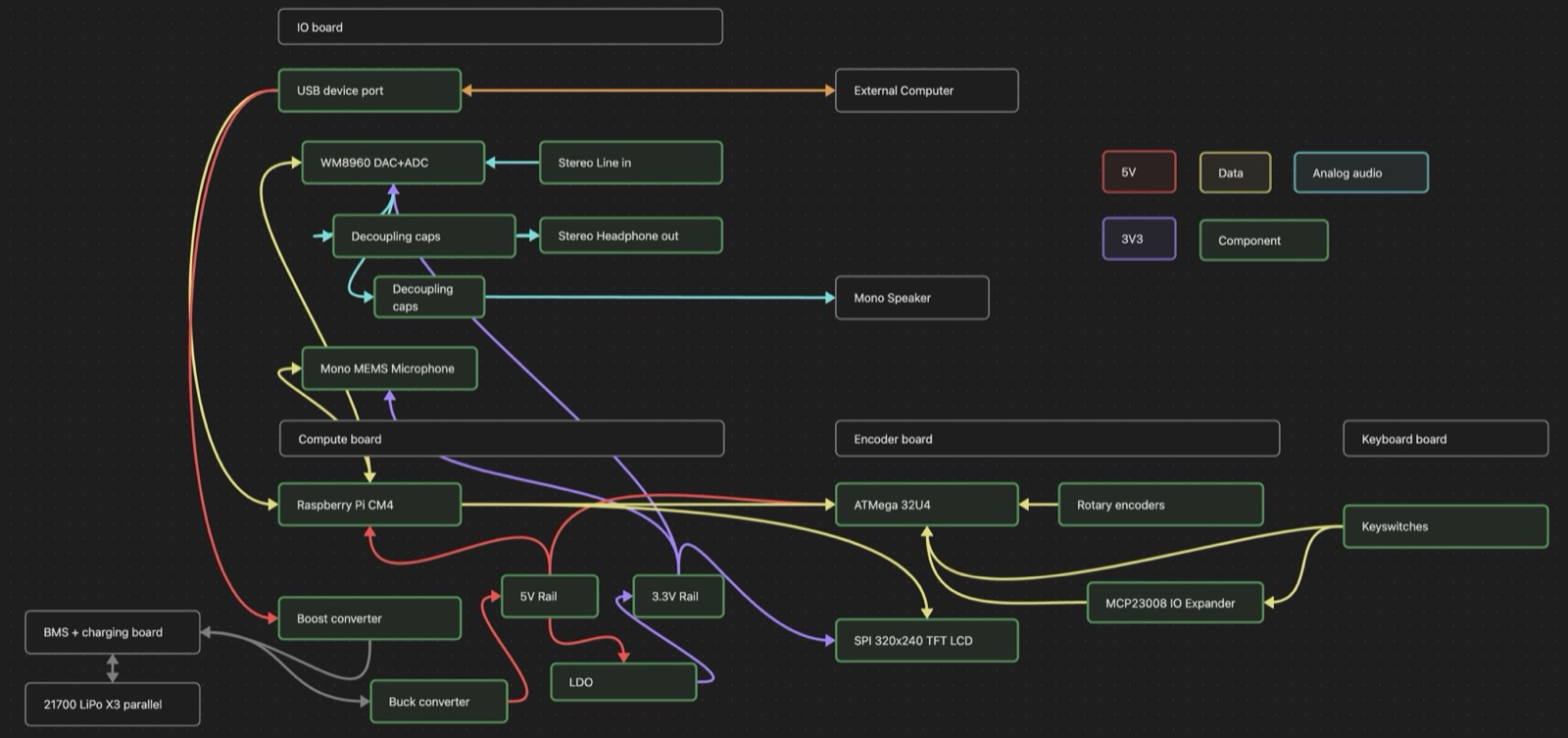
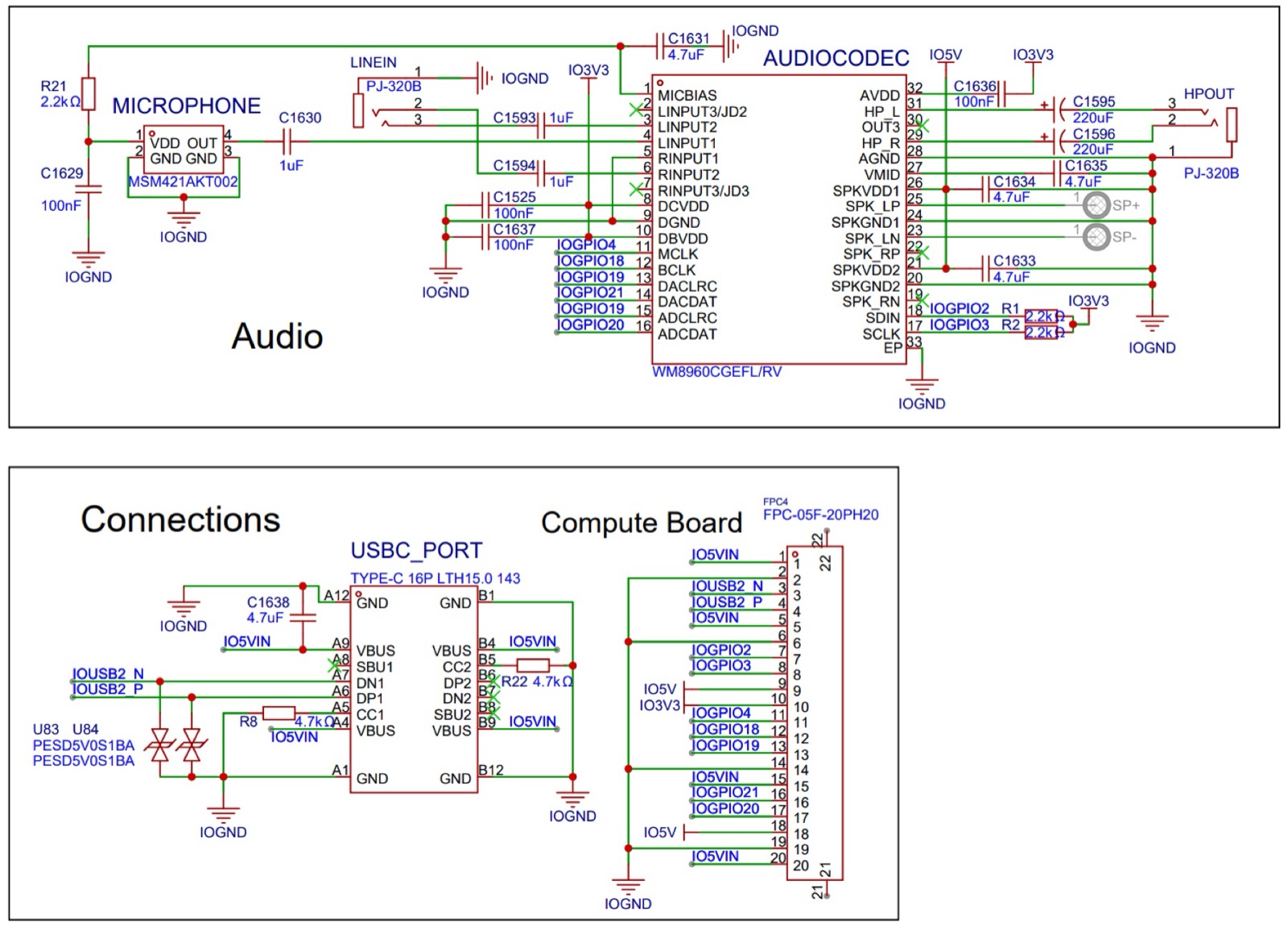
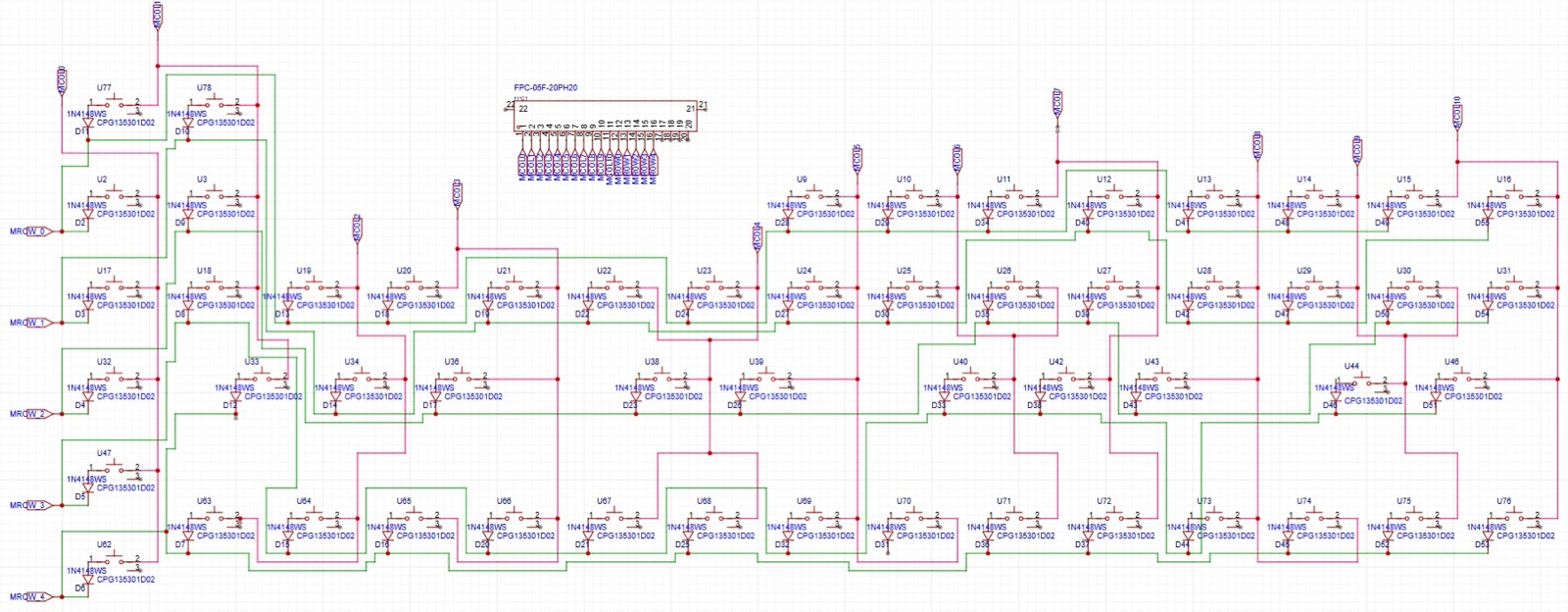
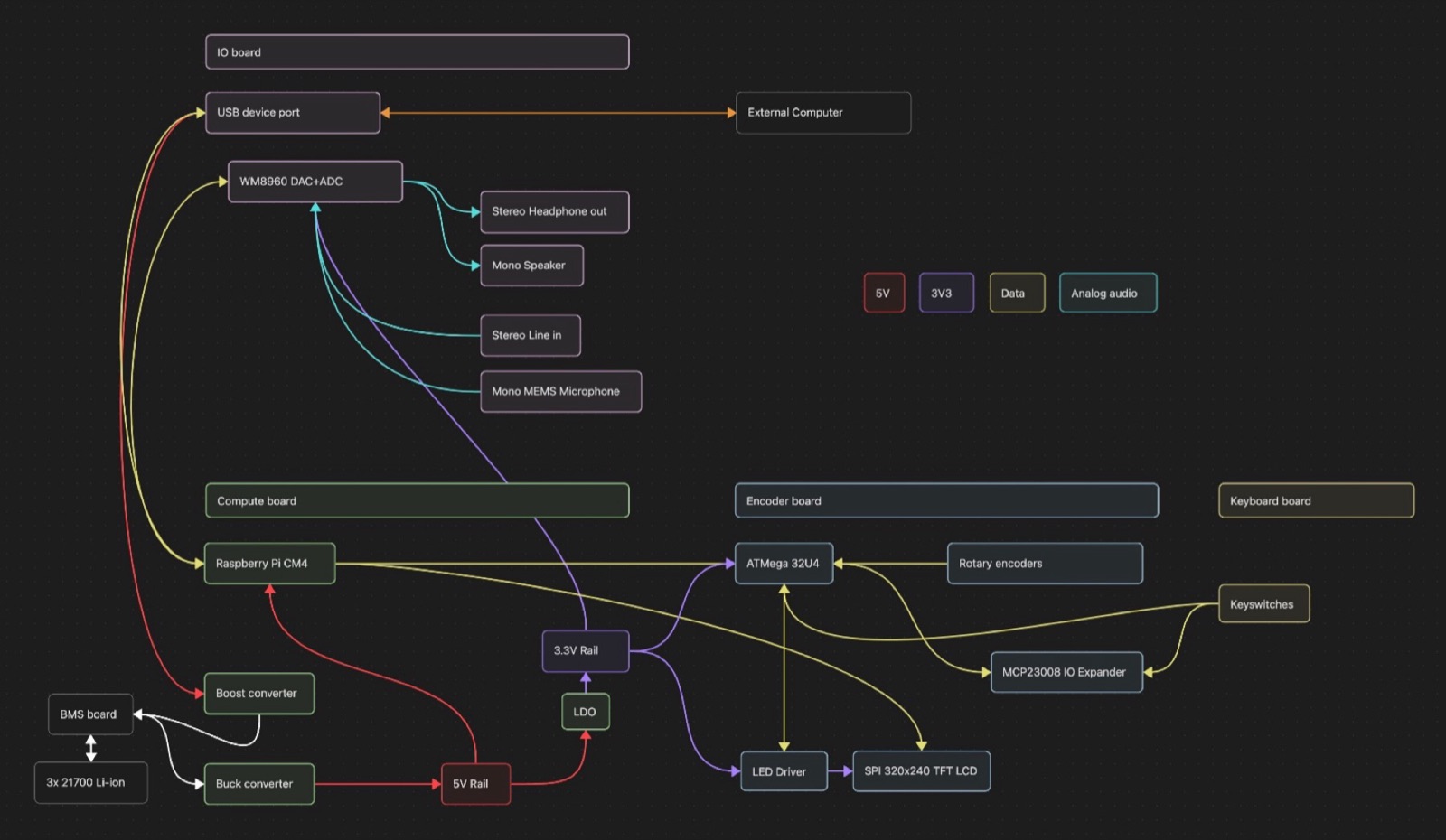
The start of an entrepreneurial co-op term at the University of Victoria, and the project on paper: a Raspberry Pi Compute Module 4, a WM8960 audio codec, an ATmega32U4 keyboard controller, a small LCD, three 21700 cells. Schematics in EasyEDA for audio, display, power and USB, then the keyboard matrix and encoders, chosen from parts JLCPCB can place so the boards arrive mostly assembled. A not-to-scale model to try aesthetics.

Customer interviews began with Paul and a friend. The conclusion I took from a founder's talk at the innovation centre stuck: nothing useful comes back from customers until there is a thing to hold. So the goal became a working prototype first, and everything else after.